The Best Game Server Hosting for Unmatched Performance and Reliability
Discover top game server hosting options that deliver exceptional performance and reliability. Read on to find the perfect fit for your gaming needs!

Shahrukh Sial is a Gaming Content Strategist at Sparked Host. He identifies his own strategic outlines through deep research to cover game guides, tips, and updates that help players improve their skills and enjoy a better gaming experience.
Best Game Server Hosting for Low Ping (2026 Tested & Compared)
This guide is for gamers, server admins, and community managers seeking the best game server hosting for low ping in 2026. Whether you’re running a competitive eSports server, a modded Minecraft world, or a large public Rust community, choosing the right host is critical. Low latency matters for multiplayer gaming because it directly impacts real-time responsiveness, hit registration, and overall player experience. Even a small delay can mean the difference between victory and defeat in fast-paced games.
When searching for the best game server hosting, it’s important to look beyond just RAM or storage sizes. In multiplayer games, performance depends heavily on single-thread CPU speed—meaning how fast a single processor core can handle game logic. High single-thread processor performance is crucial for gaming, as most game engines process core world loops and player actions on a single thread. Additionally, solid-state drives SSDs or NVMe storage are recommended for game server hosting, as they provide rapid map loading and world saves. DDoS protection is essential for maintaining a reliable gaming experience, safeguarding your server from attacks that can cause downtime or lag.
Game server hosting options vary based on managed or self-hosted control. Managed hosting provides user-friendly dashboards and automated maintenance, while self-hosted solutions offer deeper customization and technical control for advanced users.
How We Evaluated These Game Server Hosting Providers
We provide objective comparisons by evaluating providers under real-world conditions. Tests included simulated multiplayer loads, traceroute analysis, and CPU benchmarks under live server strain.
Our scoring prioritized single-thread performance, routing stability, and jitter control. We ignored raw RAM sizes and marketing specifications.
The evaluation framework focused on four performance areas:
-
Processor Clock Speed: Core performance under heavy game object strain. High single-thread processor performance is crucial for gaming.
-
Network Path Efficiency: Traceroute log analysis to count routing steps.
-
Packet Consistency: Connection stability tracking during peak usage hours.
-
Node Resource Distribution: Stability checks to ensure hosts do not overcrowd hardware.
What Makes a Game Server Actually "Low Latency"?
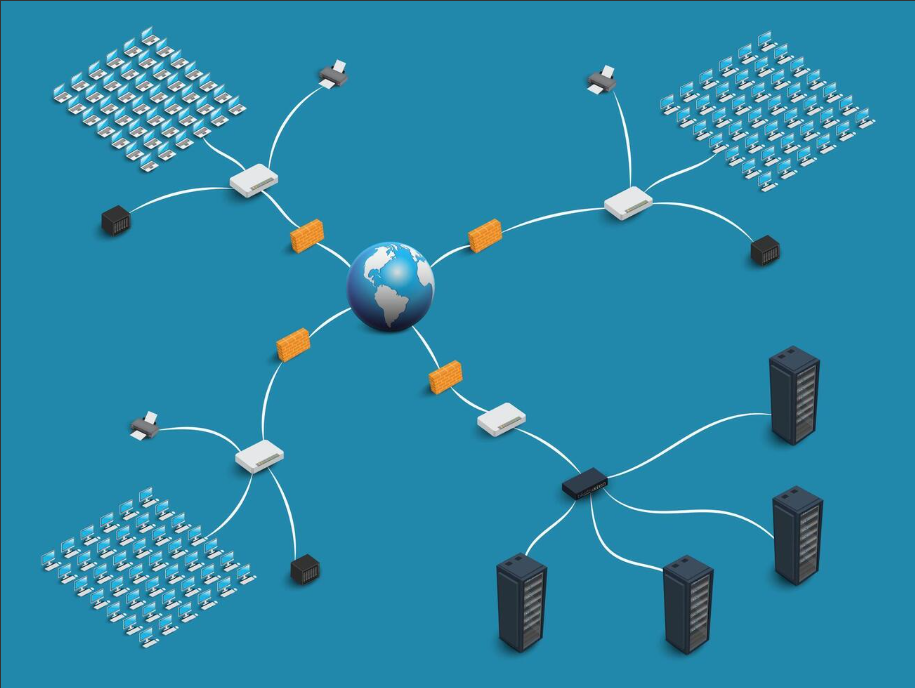
Many administrators judge network performance using only the raw ping number in a server browser. This measurement is incomplete. True network stability relies on the relationship between network path routing and local hardware processing speed.
The Impact of CPU Single-Thread Benchmarks
Game server engines power titles like Minecraft, Rust, and Source 2 games. These engines run their core world loops almost entirely on a single processing thread. This thread handles physics calculations, computer character tracking, and player position updates.
If a host uses high-core-count business processors with low individual clock speeds, the server will lag. Ticks drop even if player connection ping looks low.
High single-thread processor performance is crucial for gaming. High single-core performance ensures that server updates finish processing within necessary split-second windows. Dedicated servers improve consistency by providing exclusive access to CPU and RAM resources.
Evaluating Network Hops and Routing Paths
A network hop represents every intermediate router or gateway a packet passes through between the player and the host machine. Higher numbers of steps increase the chance of network traffic jams and routing delays.
A provider's global reach and regional coverage reduce travel distance. This coverage improves routing outcomes.
Top-tier providers optimize these pathways by establishing direct sharing agreements with major ISPs at main internet exchange hubs. This setup bypasses slower public networks to minimize overall travel distance.
Jitter vs. Ping
Ping measures the total round-trip time of data packets. Jitter tracks the variance between those individual packet delivery times.
A server connection maintaining a steady 50ms ping delivers a smoother competitive experience than a connection that jumps between 15ms and 80ms. High jitter causes sudden player snap-backs, delayed hit registration, and unpredictable player movement.
Packet Loss vs. Latency
Latency defines delivery speed. Packet loss measures the percentage of data packets that fail to reach their destination entirely.
Even a minor packet loss rate of 1% to 2% disrupts competitive gameplay. This issue causes dropped inputs and visible player teleporting.
Premium infrastructure fixes this issue by employing automated, backup routing paths. Providers like Sparked Host offer specialized anti-DDoS game protection and document their hardware profiles and global locations so these paths move traffic immediately if a primary carrier network encounters packet dropping or hardware trouble.
DDoS protection is essential for maintaining a reliable gaming experience. Standard web firewalls do not protect interactive game server traffic from DDoS attacks. Enterprise DDoS protection is available for all game servers. High-capacity defense continues evolving as attack methods change to strengthen security.
Technical Performance Snapshot
The following overview evaluates leading game server hosting providers based on network stability, primary hardware, and target deployment scenarios.
| Provider | Avg US Ping Stability | Avg EU Ping Stability | Primary Hardware Profile | Modded Server Suitability | Primary Use Case |
|---|---|---|---|---|---|
| Sparked Host | Excellent | Excellent | AMD Ryzen 9 7900 / 9900X | Highly Capable | Balanced Price & Performance |
| GTXGaming | Very Good | Excellent | AMD Ryzen 9 7950X / 9950X | Industry Leader | Power Users & Heavy Modding |
| Host Havoc | Excellent | Very Good | Ryzen / Intel Xeon E | Highly Stable | Community Uptime & Reliability |
| BisectHosting | Standard | Standard | Enterprise AMD Ryzen | Entry-Level Only | Casual Group Click-and-Play |
| PingPerfect | Standard | Standard | Ryzen / AMD EPYC | Specialized | Extreme Regional Locations |
Best Game Server Hosting Providers 2026
1#. Sparked Host (Balanced Performance Hosting for Most Players)
Sparked Host is a popular choice for Minecraft server hosting communities as well as Rust and CS2 groups. These users prioritize a balance between high single-core CPU performance and optimized network routing. It is effective for mid-sized communities that require stable tick rates without complex setup management.
Communities that prioritize stable performance over unproven business setups choose Sparked Host, a provider focused on affordable, high-performance hosting for a global customer base. About the Sparked Host platform highlights this emphasis on value and reliability. The platform operates on direct standalone hardware setups rather than shared cloud environments. This ensures efficient resource distribution at competitive price points.
-
Strengths: High-speed AMD Ryzen 9 processors optimized for single-thread workloads. Fast NVMe storage arrays for quick map loading and world saves. Multi-region setups including the US, EU, and Asia with affordable pricing.
-
Best Suited For: Competitive CS2 servers requiring stable tick rates, low latency Minecraft server hosting options, and mid-sized Rust or survival game server communities that benefit from multi-title game hosting plans.
-
Considerations: Advanced business-level network customization and raw back-end command changes are restricted compared to network-heavy providers.
2#. GTXGaming (The Power User Alternative)
GTXGaming focuses on high-tier multiplayer server hosting. It caters to advanced community managers who require deep access to backend settings and full control over server behavior.
-
Key Technical Highlights: Immediate use of high-speed AMD Ryzen 9 7950X and 9950X platforms. This hardware is paired with a heavily modified, feature-filled control panel and full FTP access for backend file management.
-
Best For: Massive, multi-mod survival games featuring high object counts. It provides full mod support for customized server setups.
-
Limitations: The admin panel interface features a high density of text menus and settings. This layout can feel overwhelming to first-time owners or casual players.
3#. Host Havoc (The High-Stability Alternative)
Host Havoc prioritizes platform reliability and strict hardware management. It maintains an industry reputation built on balanced server distribution across its data centers.
-
Key Technical Highlights: High-speed AMD Ryzen and Intel Xeon E-series processors. It utilizes enterprise NVMe storage arrays with strict separation policies to prevent other customers from slowing down your hardware.
-
Best For: Established public networks whose customers depend on maximum uptime consistency. It is backed by a responsive support team for rapid technical support.
-
Limitations: Manual game-swapping options are less automated than modern, custom-built simple dashboards.
4#. BisectHosting (Entry-Level Option)
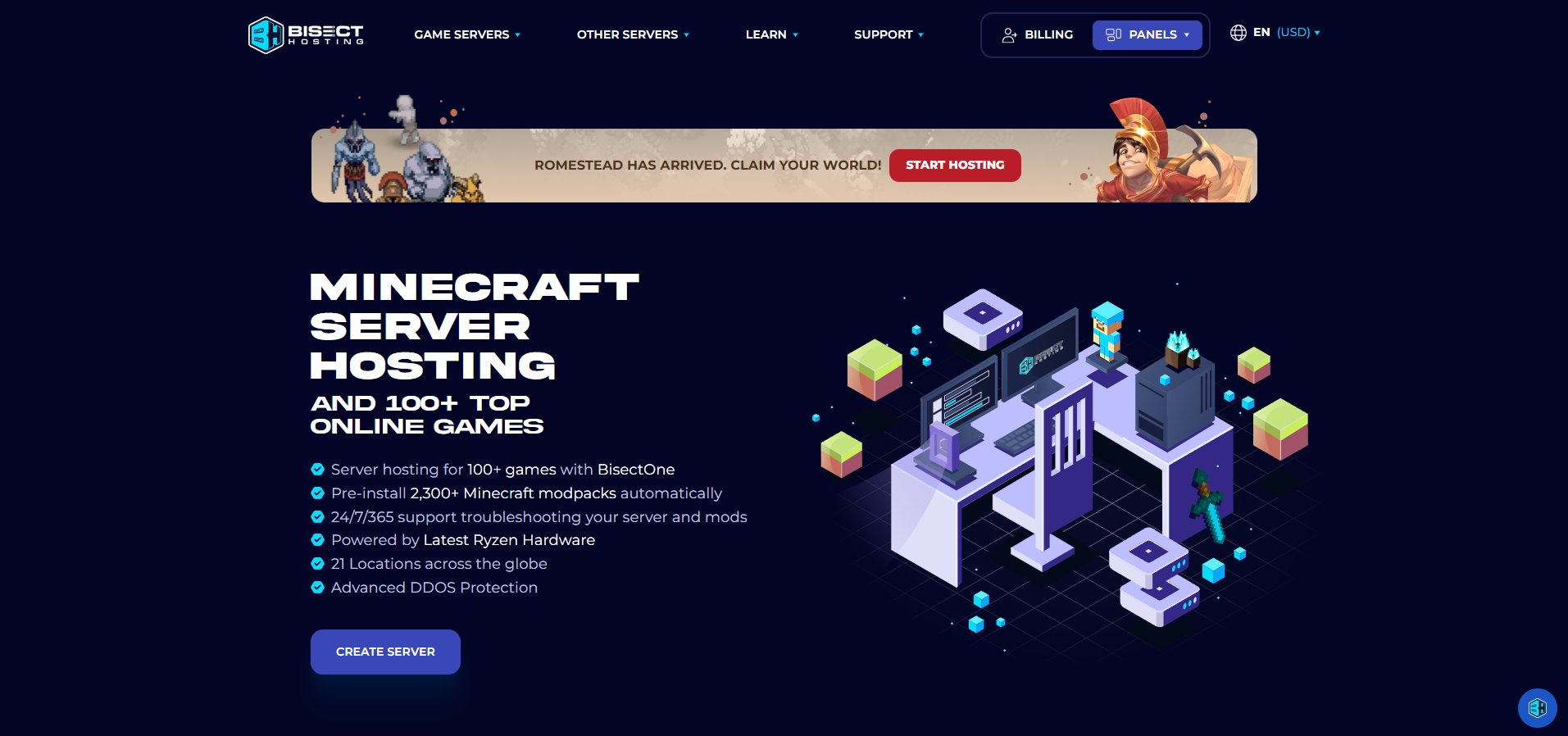
BisectHosting centers its operational model on user accessibility and simple software interfaces. It positions itself as a popular option for casual or first-time server operators who want to create a server quickly with a simpler workflow.
-
Key Technical Highlights: Enterprise-grade AMD Ryzen platforms supported by their custom-developed Starbase control dashboard.
-
Best For: Small groups of players seeking a quick, straightforward setup process for casual worlds and light modpacks. Setup starts by choosing a game and a package.
-
Considerations: Customized setups require you to configure mods, ports, and network settings yourself. Support is available through online tickets and live chat. Some beginners prefer ApexHosting for its broader 24/7 live chat and help article coverage, while others look for simple budget Bedrock hosting options or more robust enterprise Bedrock hosting tiers designed specifically for Minecraft.
-
Limitations: Budget hosting tiers use older storage standards. These struggle during fast world exploration or heavy mod behavior.
5#. PingPerfect (Specialized Regional Option)
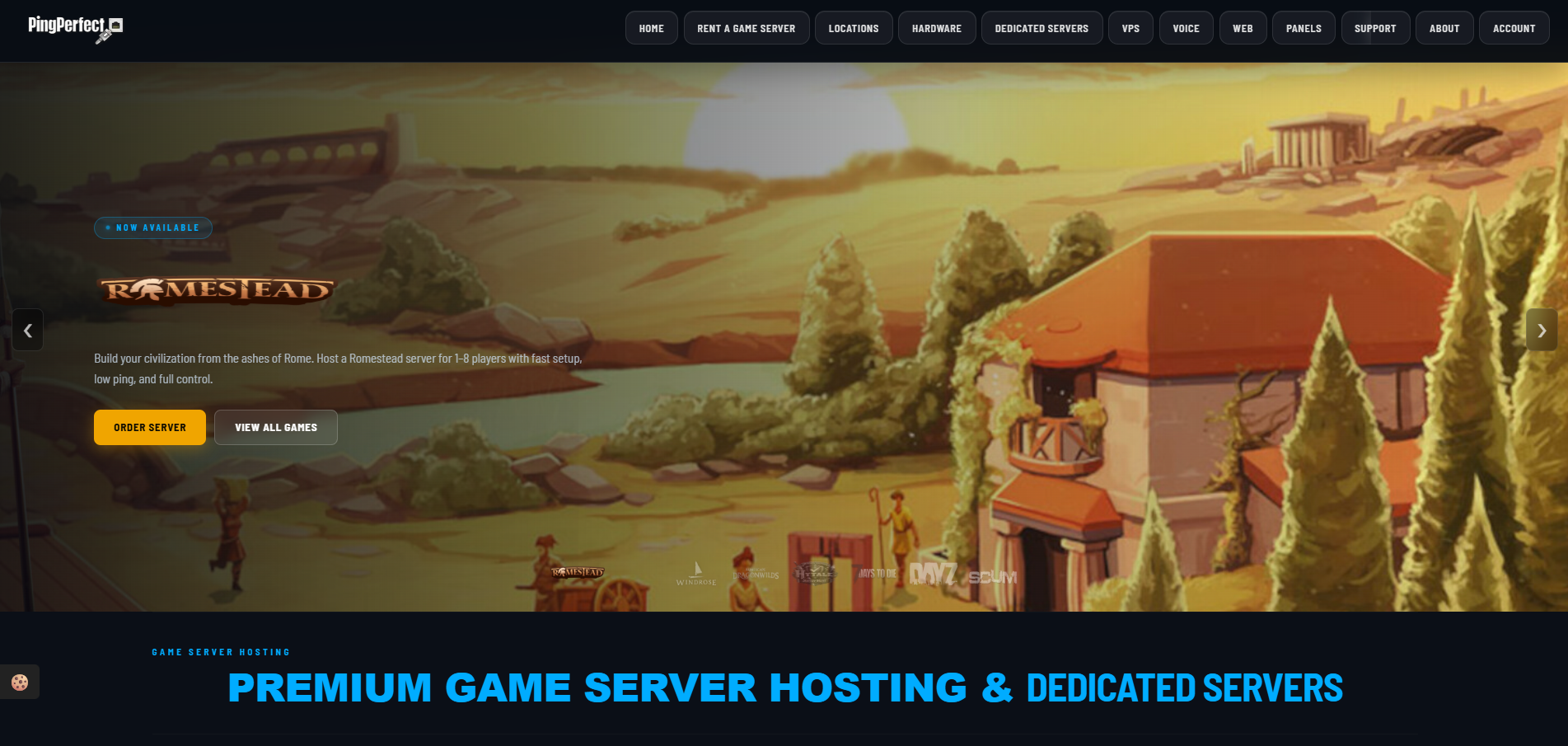
PingPerfect focuses on deep network routing optimization and wide location availability. It acts as a specialty provider for rare or distant locations. Game servers turn on within 10 minutes, but you can also experiment risk-free with Sparked Host free trial servers to benchmark routes for your own player base.
-
Key Technical Highlights: High-speed AMD Ryzen and multi-threaded AMD EPYC platforms running on backup network connections. It features instant setup for faster delivery.
-
Best For: International communities that need fast online availability through specialized regional edge hardware to bridge distant player bases. PingPerfect provides 24/7 customer support with 20-minute response times.
-
Limitations: The web admin interface is fully functional but uses an old look compared to modern simple alternatives.
Game-Specific Performance Breakdowns
Different game engines strain host resources in unique ways. Selecting an infrastructure plan based on incorrect technical metrics causes severe performance bottlenecks under load.
Low Latency Minecraft Server Hosting
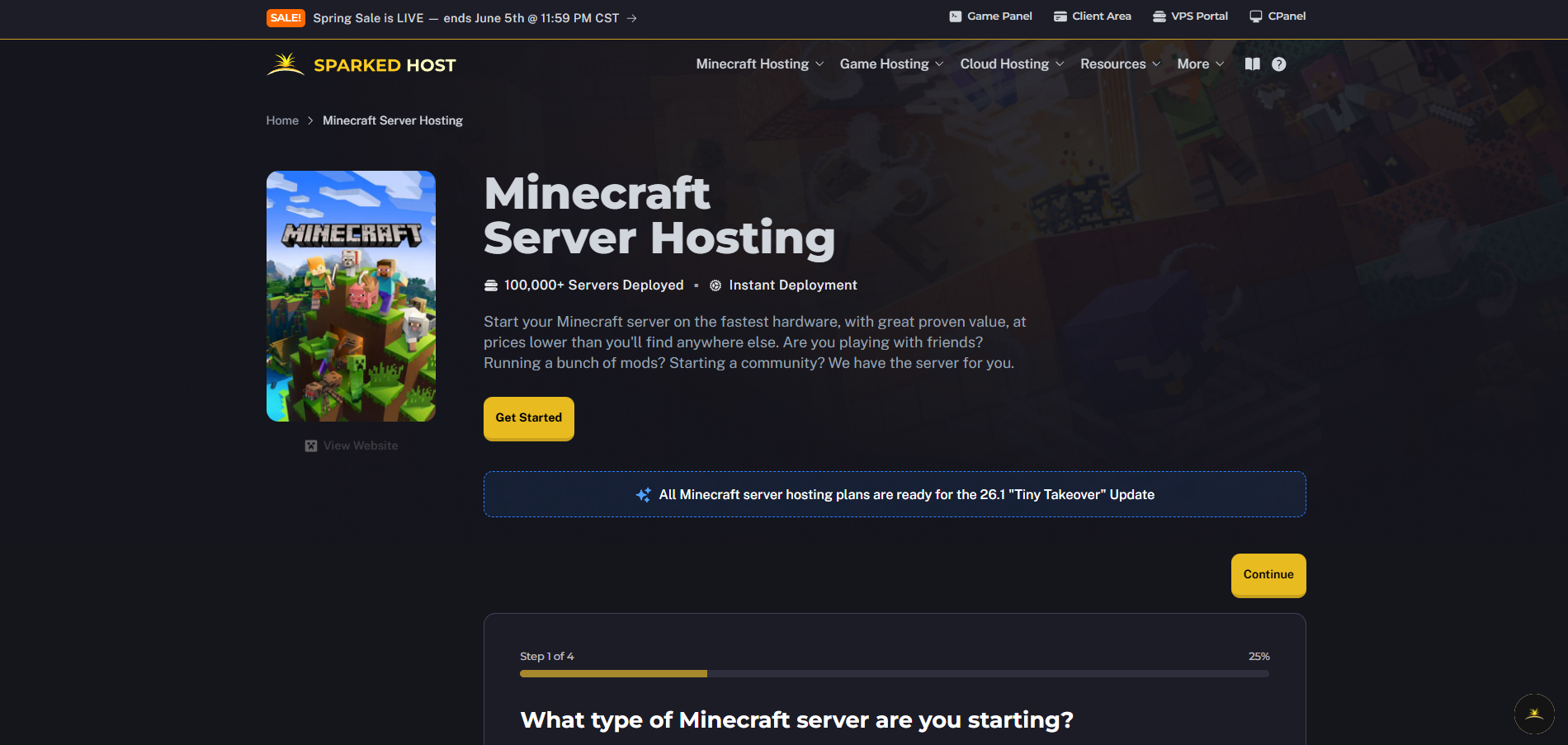
Players assume that purchasing higher RAM allocations resolves Minecraft lag. RAM usage matters for heavier worlds. However, chunk generation, character behavior, and redstone systems are processed on a single thread.
If a provider uses older business processors with low single-core clock speeds, the server will skip ticks and experience internal desync. This happens regardless of empty memory capacity.
High-speed home processor variants like the AMD Ryzen 9 series deliver the fast speeds needed to prevent tick drops. Strong mod support also matters for heavier Minecraft setups. Some hosts, such as Scalacube, support over 1,000 modpacks for Minecraft, while others like Sparked Host provide a range of budget Minecraft hosting plans and scalable enterprise Minecraft hosting options for different world sizes and plugin setups.
Rust Server Hosting Low Ping Solutions
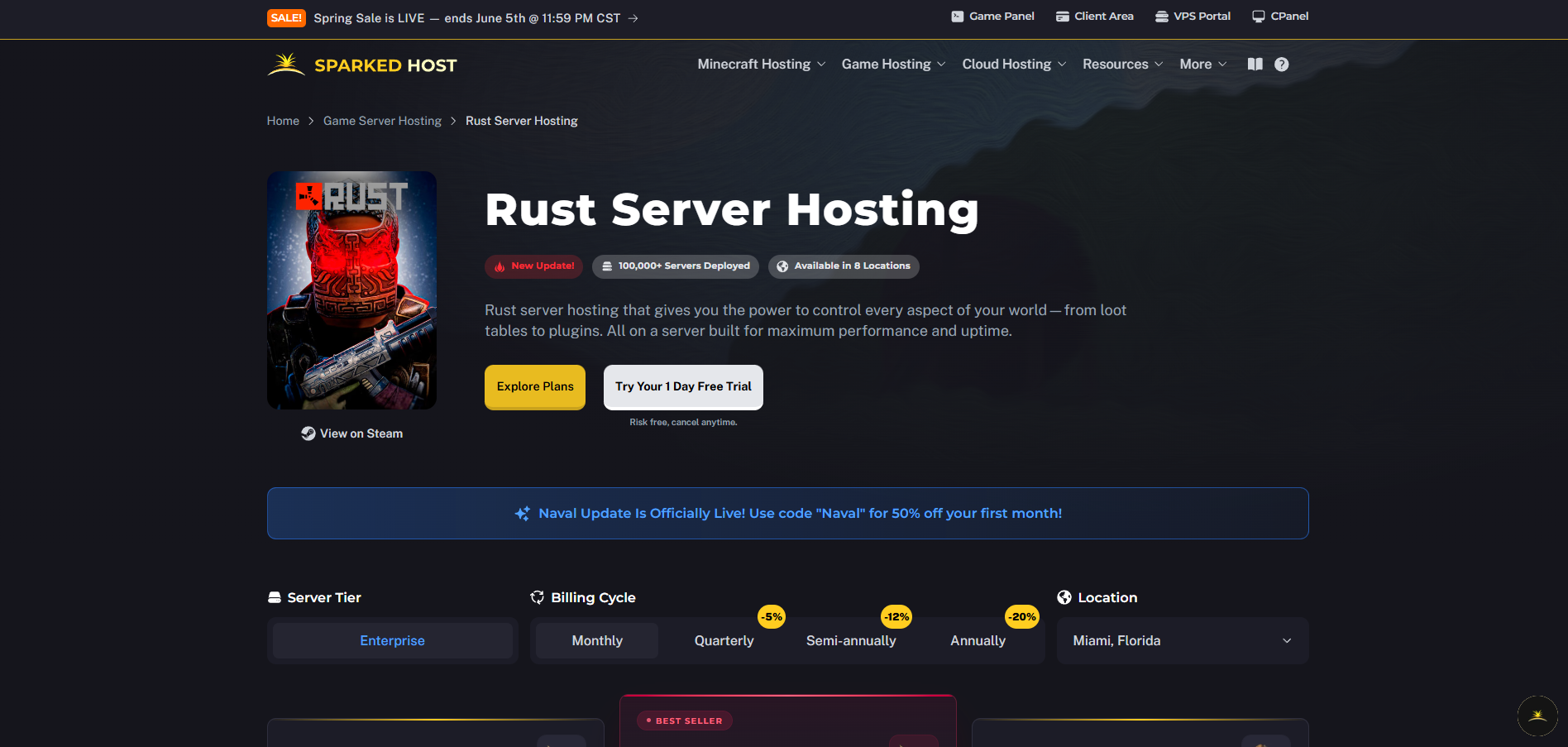
High player counts and complex player bases generate millions of distinct game items within an active Rust world. To prevent game slowdowns during world saves and high-speed movement, server setups require rapid storage read/write speeds. They also need high CPU speed boosts to process massive file databases in real time. Fast storage and strong boost behavior benefit most games. Rust is a clear example, and extreme Rust hosting plans along with enterprise Rust hosting packages are specifically tuned for these requirements. This makes NVMe storage setups essential for smooth gameplay.
CS2 Competitive Server Hosting Guide
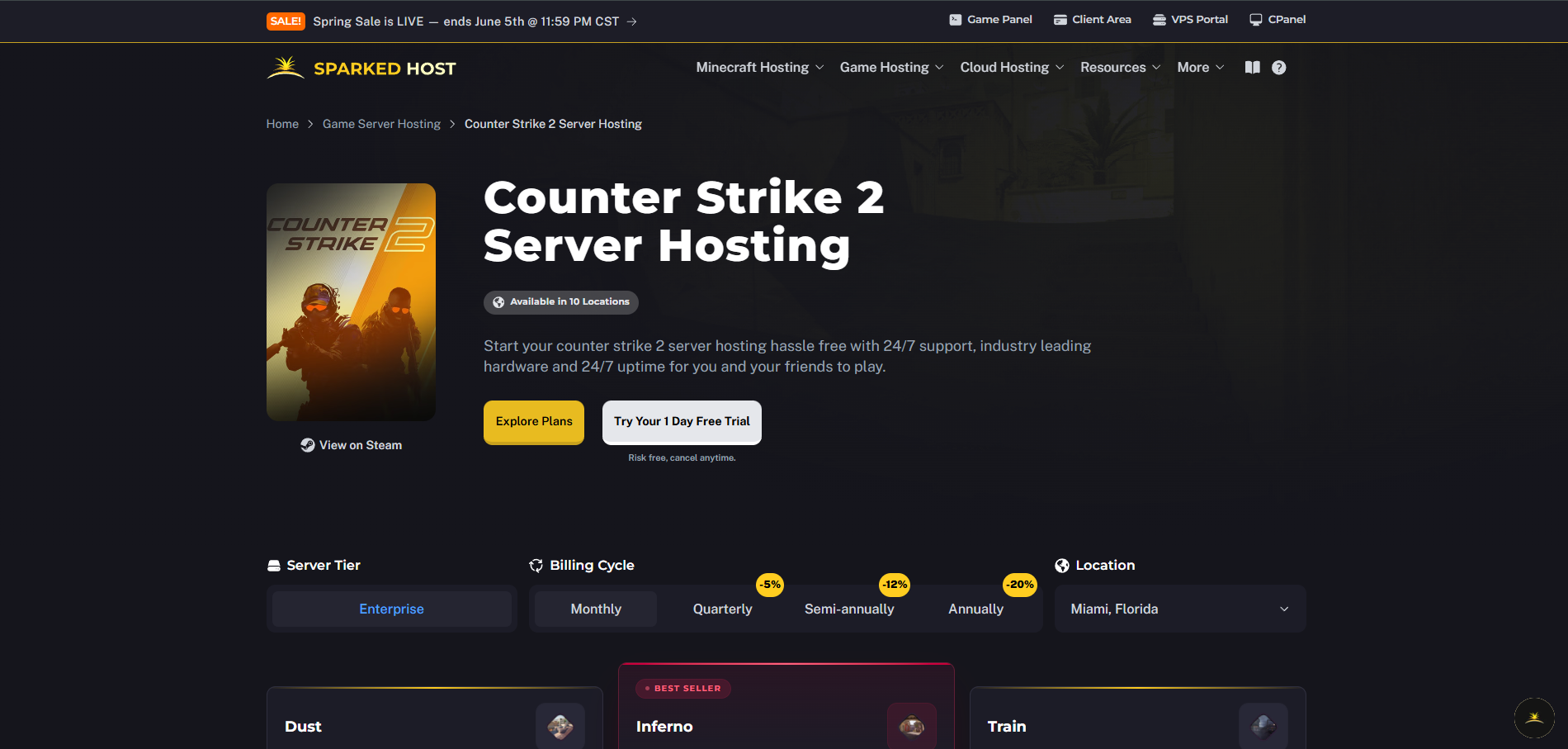
Competitive first-person shooters run on precise tick rates. Synchronized game logic demands immediate hit registration and minimal packet delivery changes.
A stable connection route with 40ms of lag and zero jitter provides a superior competitive environment compared to a 15ms connection that spikes unpredictably. Consistent packet delivery and robust traffic filtering are the critical metrics for tactical multiplayer titles, especially when pairing them with extreme-performance Minecraft hosting hardware or similar game-specific setups.
Pricing Analysis
Game hosting prices depend on the number of players and the complexity of the game modifications. The overall market is divided into three clear categories.
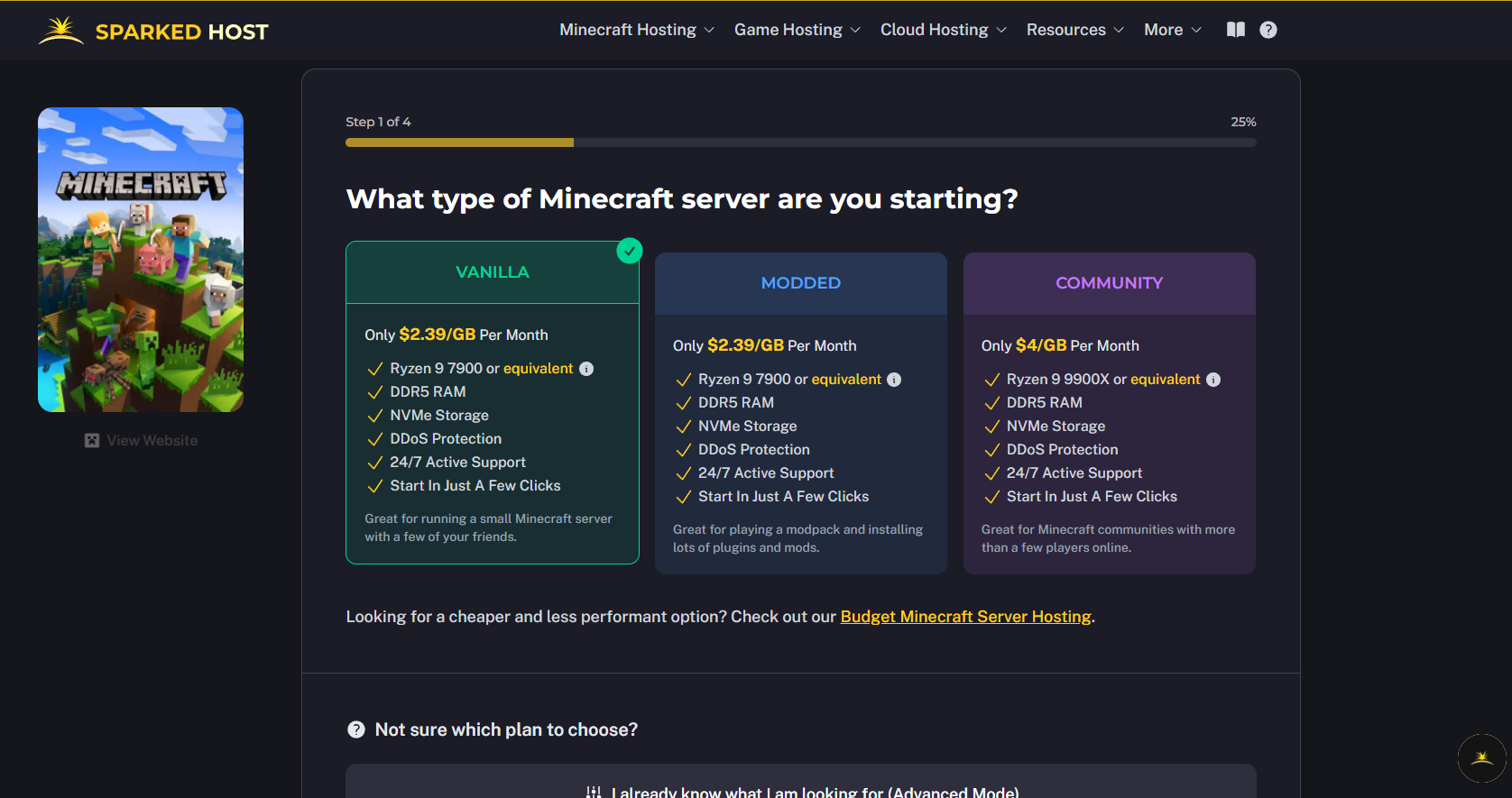
1#. Simple Group Play (Entry Level)
-
Price: $1.00 to $8.00 per month.
-
Best For: Small groups of 2 to 10 players. It works well for basic, unmodded games or simple indie titles.
-
The Hardware: These plans use older, shared server chips. They handle small worlds well but slow down if heavily tested.
2#. Active Communities (Mid-Tier Performance)
-
Price: $10.00 to $25.00 per month.
-
Best For: Public or private communities with 15 to 45 players. It handles heavy survival games like Rust or Ark, and worlds with moderate mod packs.
-
The Hardware: This tier uses modern, high-speed processors like the AMD Ryzen 7000 or 9000 series. These chips handle fast movement and complex game mechanics without lagging.
3#. Large Public Networks (Community & Dedicated Level)
-
Price: $45.00 to $150.00+ per month.
-
Best For: Massive communities with over 50 players, large public networks, or highly customized games with heavy script files.
-
The Hardware: These plans offer isolated hardware chunks. While some options advertise "unlimited player slots," the actual performance still depends entirely on the hardware power behind the scenes.
Pro Tip: For entirely isolated hardware setups, fully dedicated physical servers generally range from $100.00 to $300.00 per month. Providers like Sparked Host offer flexible packages in this range. Some hosts also provide hourly billing for quick tests or short weekend events, while others focus on long-lived dedicated server hosting for persistent communities.
Potential Hidden Fees to Verify
-
CPU Tier Upgrades: Certain providers display a lower baseline starting price. However, they require an additional monthly fee to host your server on a modern Ryzen 9 processor instead of older server hardware. This is why understanding budget vs enterprise vs extreme plans and reviewing Sparked Host’s own Budget, Enterprise, and Extreme comparisons is essential before committing long term.
-
Premium DDoS Protection: Standard baseline filtering is commonly included. Advanced protection networks carry extra add-on fees. These include specialized Path.net or Corero filtering.
-
Backup Storage Retention: Automated off-site backup storage can be locked behind a paywall. This requires manual file downloads to keep save data safe.
-
Setup Fees: Some providers charge setup fees for initial installation and setup, though limited-time dedicated server sales and promotions may waive or reduce these. These are billed once at the start rather than monthly.
-
Provisioning Time: Dedicated server plans or a full physical machine take a few hours to a full day before setup is complete.
Guidelines for Choosing Your Server Location
Physical closeness to the player base remains the single most impactful factor controlling network lag. A modest server located 50 miles away will consistently deliver a more stable connection than an enterprise-grade system located 3,000 miles away.
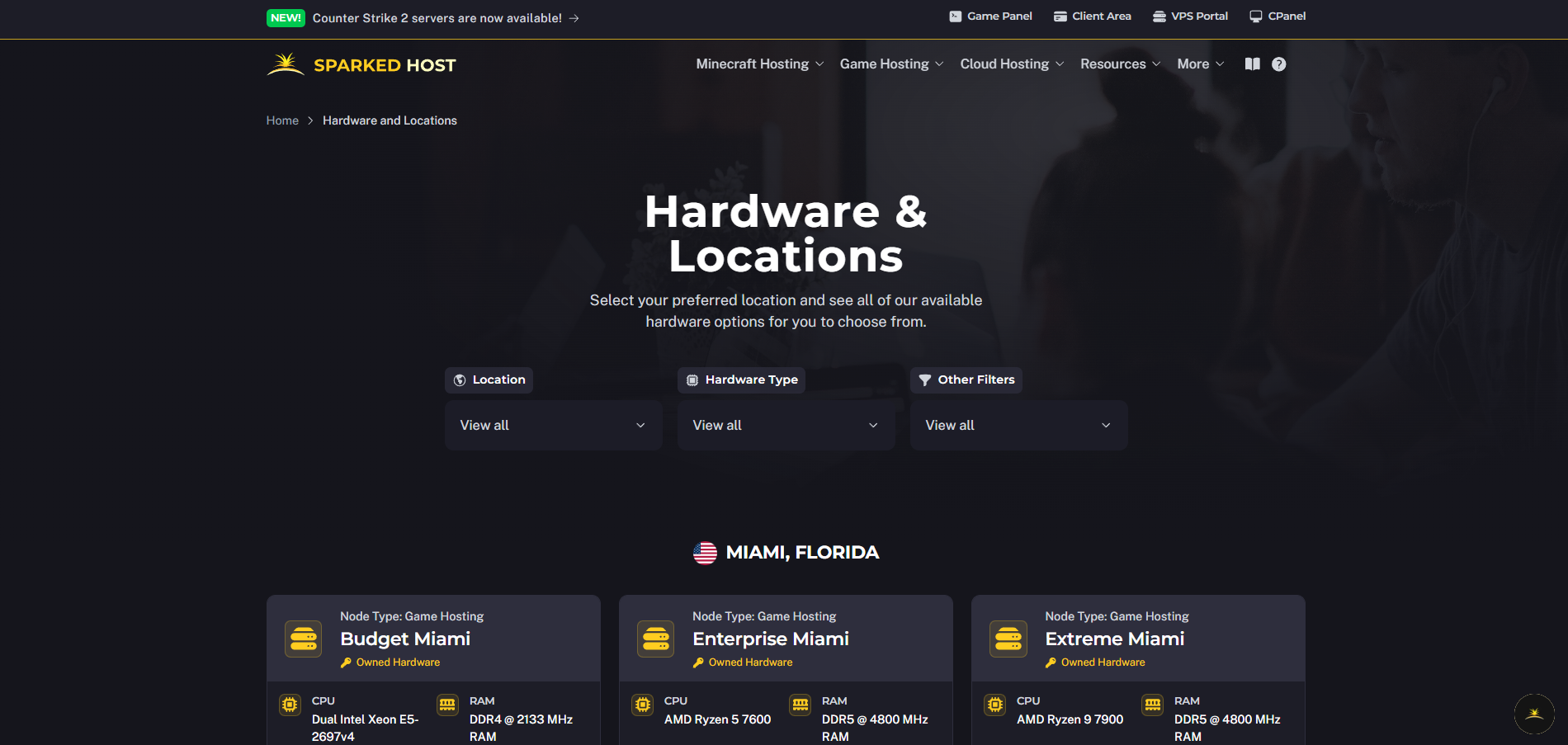
Identify the Geographic Median
Plot out where the majority of your active players live. Balance the physical distance across your community using knowledge of regional hardware locations and tiers. This ensures that no single group faces a severe connection disadvantage. For a community evenly split across opposite coasts, central connection hubs like Chicago or Dallas provide the most balanced connection layout.
Verify Routing Profiles Pre-Purchase
Before renting a server, locate your prospective provider's public test IP addresses or performance check pages. Providers often publish guides like Sparked Host’s detailed FAQ explaining how to interpret these tests. Have your main player group open their computer terminal. Run a multi-packet test sequence against those addresses to check connection performance accurately:
Bash:
Run a 20-packet ping sequence to check for stability and jitter
ping -n 20 [test_ip_address]
Trace the physical routing path and check individual step speed
tracert [test_ip_address]
Interpreting Your Connection Test Results
-
Packet Loss Threshold: Your connection should report 0% packet loss. Any percentage above 0% means that data packets are being dropped along the way. This turns directly into visible in-game lag and player desync.
-
Jitter Interpretation: Review the difference between your minimum, maximum, and average response times in the ping summary. If your minimum ping is 30ms but your maximum jumps to 90ms, your connection route suffers from high jitter. A stable connection should maintain a variance of less than 5ms across the entire test run.
Final Recommendation by Use Case
| Use Case | Recommended Host | Performance Focus |
|---|---|---|
| Competitive CS2 Servers | Sparked Host | High tick rate stability via high-speed Ryzen 9 hardware. |
| Modded Minecraft Servers | Sparked Host / BisectHosting | Ryzen single-thread speed for heavy map generation. |
| Heavy Rust Survival Servers | GTXGaming | Raw hardware power for extreme game item processing. |
| High Uptime Public Communities | Host Havoc | Strict hardware separation policies to counter other users' data spikes. |
| International Player Base | PingPerfect | Diverse regional edge locations for balanced geographic routing. |
Technical Performance FAQs
Why is my game server lagging even with good ping?
When an in-game network monitor shows low, stable ping but your character is snapping back, you are experiencing server-side tick drop. This means that the host's CPU is overloaded or throttled. It cannot compute game states fast enough to match the network update speed.
Unlike a player-hosted setup, a dedicated host avoids common desync issues. However, it can still lag when server-side processing falls behind. To resolve this, you need to move your server to a provider that offers higher single-core processing speeds. Do not change your internet settings.
Do Ryzen CPUs matter for server hardware?
Yes, dramatically. Traditional server networks rely on Intel Xeon or AMD EPYC processors. These are built for multi-tasking cloud workloads with high core counts but lower individual clock speeds.
Nearly all game server software handles core logic on a single execution thread. Because of this, a high-speed home processor variant like an AMD Ryzen 9 vastly outperforms a traditional server chip when running active game nodes. High performance is not just about total RAM. Some providers scale up to 256 GB of DDR5 RAM, with OVHcloud offering up to 256GB of DDR5 RAM as an upper-end example.
Is purchasing dedicated game server hosting worth it?
Renting a managed game server is highly cost-effective for mid-sized communities because the provider handles hardware deployment. The overall game server hosting experience includes fast setup, with many servers going live within 5 to 10 minutes. It also offers automatic DDoS defense, panel settings, and regular backups. Setup starts by choosing a game and a package, and you can often reduce costs by timing purchases with seasonal hosting sales and promotions.
However, moving to a standalone dedicated server blade offers the un-throttled technical control required for optimized network layouts if you are scaling up a massive commercial server network running complex custom add-ons and cross-server setups. Full access or deep flexibility is possible with VPS or dedicated setups. Deep-level VPS needs technical skills. Unmanaged VPS or dedicated hosting is cheaper and provides complete root access for administrators comfortable managing the operating system themselves, similar to how extreme Minecraft hosting configurations expose advanced controls for tuning performance.
Conclusion
Choosing the right game server hosting provider depends on your specific use case, player distribution, and performance requirements. For most communities, Sparked Host provides a balanced combination of modern Ryzen performance and stable routing. Advanced administrators may prefer GTXGaming or Host Havoc depending on workload complexity and hardware needs.