Minecraft Java vs Bedrock: What's The Difference?
Discover the key differences between Minecraft Java and Bedrock editions — from crossplay and mod support to performance and features. Choose the best version for your gameplay needs.

Shahrukh Sial is a Gaming Content Strategist at Sparked Host. He identifies his own strategic outlines through deep research to cover game guides, tips, and updates that help players improve their skills and enjoy a better gaming experience.
Minecraft Java vs Bedrock: Which Edition Is Right for You?
Minecraft has recently become one of the most loved and globally played games. The freeform aspect of gaming and endless potential, both creatively and definitively, for users of all ages, have lead to its adoption on many players favorite list. However, there is a never-ending argument between the fans—Minecraft Java Edition or Minecraft Bedrock Edition, which one is the superior version? This guide goes into great detail to compare the different versions, features, and advantages of both versions and will result in your making the elective choice.
What is Minecraft?
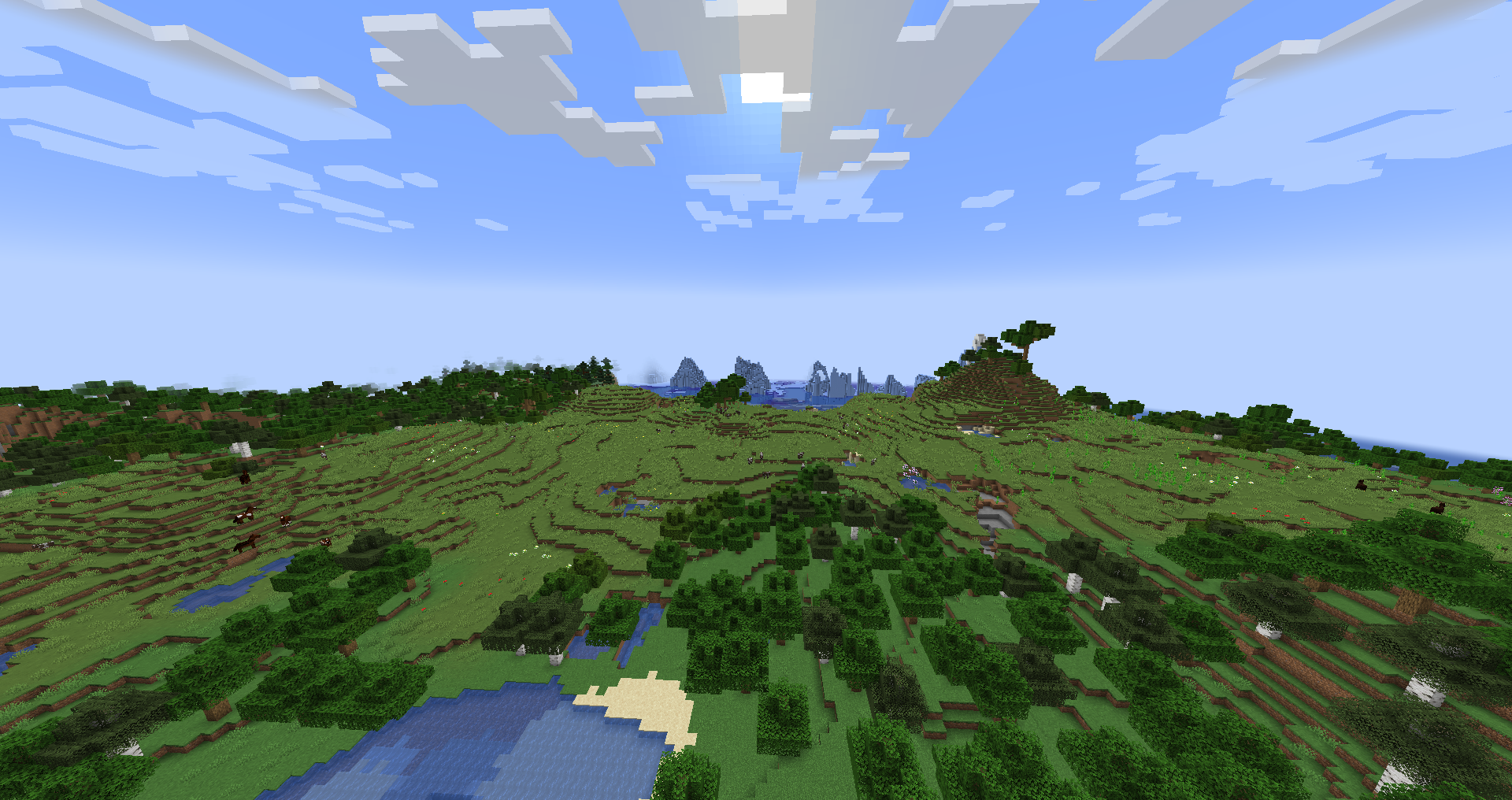
Minecraft is a game where people can build, and we will cover the sentence structure, blocky, and anything else they can in a virtual world, and that covers the explanation of Minecraft, a sandbox video game. Following the launch, the game is divided into two main editions, namely Java and Bedrock Edition. Every version of the game is dedicated to a different group of users, and recognizing Java and Bedrock is the precondition for your successful gaming experience.
Java Edition
The original Minecraft for PC, Linux, and macOS was Minecraft Java Edition that is still available in this original version. It is also referred to as Java Minecraft or the Java version, it gives you the highest level of freedom modding and customization capabilities. Minecraft Java Edition is often considered less optimized than Bedrock Edition, leading to slower load times and lower frame rates on similar hardware.
Minecraft: Java Edition is only available on Windows, Mac, and Linux, making it exclusive to desktop platforms. However, Minecraft Java Edition allows extensive graphical enhancements through mods, which can also help mitigate some performance issues.
Key Features:
-
Community-created mods are supported by the game.
-
Server admins have an option to customize their servers and worlds.
-
Users have the right to access snapshots and preview versions.
-
Hardcore and spectator modes were simply in Java.
-
A more extensive range of mechanics related to Redstone and mob AI.
Those using the Java faucet typically are exposed to a more group engaged in the process, which results into a high number of servers available for every user’s use and the possibilities of playing with friends most of the time.
Bedrock Edition
Minecraft Bedrock Edition is the cross-platform version that is accessible on Windows 10/11, Xbox, PlayStation, Nintendo Switch, and mobile devices. Legally known as the Bedrock version, it is the version that mainly focuses on the performance and compatibility that games can provide across many different platforms.
Minecraft Bedrock Edition generally offers better performance than Java Edition, especially on low-end and mobile devices. Many players prefer Minecraft Bedrock Edition for its simplified performance across a wide range of platforms, from mobile phones to consoles. This is largely thanks to Bedrock Edition’s structured environment, which provides more consistent performance across various devices. One limitation is that Minecraft Bedrock Edition only allows players to play the latest stable version or beta/preview.
Key Features:
-
Bedrock crossplay support: play with friends across consoles, PC, and mobile.
-
Marketplace with access to downloadable maps, skins, and add-ons.
-
Optimized for smoother gameplay and fewer bugs.
-
Better performance on lower-end devices.
Also, the players on Bedrock edition do not face the challenge of non-working multiplayer and also do have the full Realms functionalities.
Java and Bedrock Editions: Main Differences
Now, let's find out the main difference between the two editions:
| Feature | Java Edition | Bedrock Edition |
|---|---|---|
| Modding Capabilities | Extensive | Limited to marketplace add-ons |
| Crossplay Support | PC only | Available across various platforms |
| World Generation | More complex and varied | Simpler, optimized generation |
| Performance | Demanding | Smoother, optimized for mobile device |
| Redstone Behavior | Affects redstone differently | Slightly inconsistent |
| Customization | Highly customizable | Restricted to available add-ons |
| Updates | Often released first | Slight delay but improving parity |
Modding and Customization
Among all the versions of Minecraft available for modification, the Java version is the most popular. Java Edition not only enables gamers to play with the game files but also allows them to install mods, shaders, texture packs, etc. This has significantly boosted the modding community and contributed to a significant aspect of Minecraft's success.
One of the contrasts is that the Bedrock version is the one that supports add-ons and marketplace content, while Java's modding capabilities are somewhat disappointing.
Crossplay and Platforms
The capability of the game to be played on multiple platforms through bedrock crossplay is the most important feature of Minecraft Bedrock Edition. If you have the Bedrock edition, you can switch variety of platforms like Xbox, mobile, Windows, and Nintendo Switch. Java Edition is entirely confined to the PC platform and there is no way to be involved in the game with Bedrock players, that’s why a gap between the two editions has originated.
So, if you initially were playing Minecraft on a phone or console and now you feel like playing with friends, who, for example, are using Windows or Xbox, from now on, Bedrock is the most suitable option for you. Also, Crossplay is important if you want to play online with friends using different gaming devices, and Bedrock Edition is built with this in mind. However, Java and Bedrock players cannot play together due to the technical differences between the two editions.
Java Edition is often considered better for extensive multiplayer server options compared to Bedrock Edition. Its open modding capabilities allow for creative and expansive custom servers that go beyond what Bedrock can offer.
Performance and Optimization
When it comes to performance, Bedrock Edition is much more optimized, as it can provide faster loading times, more stable frame rates, and less buggy situations. It is especially popular among young players and those on weak devices.
Although not well-optimized, Java Edition can offer superior visual features such as installing realistic shaders and texture packs to make the overall look more appealing once you are using a computers with a suitable configuration.
Multiplayer and Servers
Through Java Edition, gamers have the privilege of either launching their own server or participating in any public servers that are very abundant. There are many custom mods, mini-games, and game modes offered on those servers.
Bedrock players can get to featured servers and Realms through a Microsoft account, which can be seen as an approach to make multiplayer play less flexible but more user-friendly. Moreover, keep in mind that online play on consoles typically requires a paid subscription, such as Xbox Live Gold, PlayStation Plus, or Nintendo Switch Online. Lastly, realms is Minecraft’s official subscription-based server hosting. Java players use Realms, while Realms Plus offers extra content and server access for Bedrock players.
Updates and New Features
So, both games are updated on a regular basis. The Java Edition often receives new features earlier in the development process. Mojang has been striving to bring both versions to feature parity, but at the time of writing, some of the content gets an exclusive release on Java. Also, for testing new features in Bedrock, players must use a separate app called Minecraft Preview, unlike Java's built-in snapshot system.
Licensing and Microsoft Integration
Java Edition makes use of Mojang accounts, although these are being changed to Microsoft accounts. Bedrock Edition is currently using Microsoft infrastructure that makes it possible to play across devices and access online features with ease.
Final Thoughts
Now, the question still remains: Minecraft Java or Bedrock -- which is better?
-
If you're someone who appreciates customizing your game by using mods, and you're looking for an active community to talk to, then you should stick to Java Edition.
-
Bedrock Edition's great if you want to enjoy crossplay, have better performance, and be able to play across different devices.
While it is true that both editions give identical Minecraft basics, the one you go for should cater to your gaming desires. Whether you prefer complex redstone projects, custom maps, or you are simply the kind who loves playing with friends across the globe, a particular edition will be suitable for you.