How To Not Get Lost In Minecraft
Never lose your way again! Learn essential tips to set spawn points, use coordinates, and navigate Minecraft like a pro—perfect for beginners and adventurers alike.

Shahrukh Sial is a Gaming Content Strategist at Sparked Host. He identifies his own strategic outlines through deep research to cover game guides, tips, and updates that help players improve their skills and enjoy a better gaming experience.
Getting lost in Minecraft is more common than you think. Whether you're exploring vast cave systems, wandering through strange biomes, or trying to return to your base, it's easy to lose your way. But with the right navigation strategies, you don’t have to stay lost for long. In this guide, we’ll cover key tips like using locator maps, placing torches as trail markers, and setting your world spawn point. With these techniques, you'll confidently find your way back, no matter how far you've traveled.
Finding Your World Spawn Point
In Minecraft, your world spawn point is the first location you appear. It’s often where players build their first base. Officially known as the “world spawn,” this spot is where your journey begins. But as you explore further, setting temporary spawn points becomes essential for survival. Placing your bed near key locations like mines, crafting areas, or your house ensures you always respawn somewhere useful and safe.
Understanding Spawn Points and Coordinates
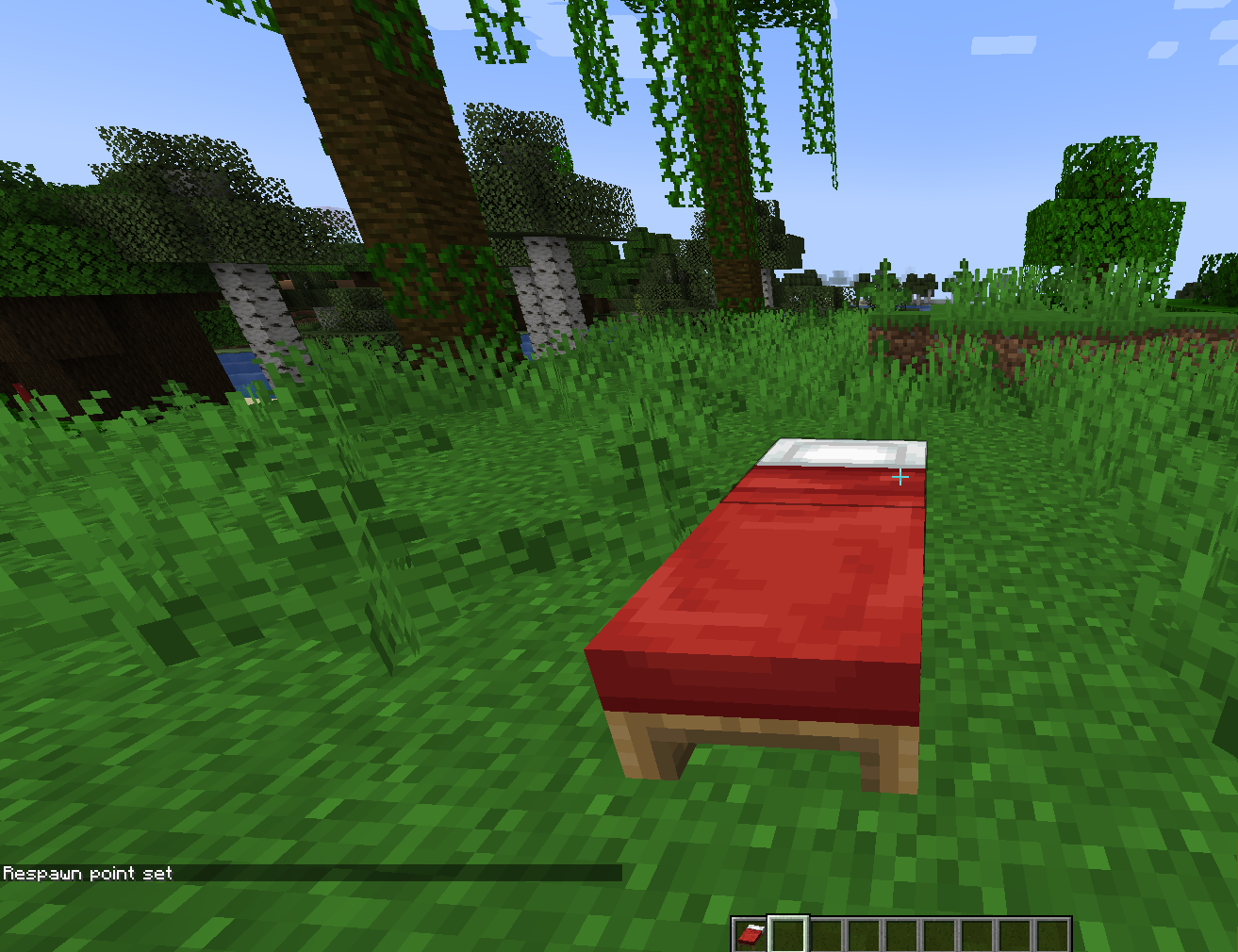
In Minecraft, one of the easiest and most reliable ways to set a spawn point is by sleeping in a bed. Once you sleep, your spawn location automatically updates to the position of that bed, making it your new respawn point in case you die.
If you’ve built multiple bases across your world, it's a smart idea to keep track of their locations. You can do this by writing down the coordinates or taking screenshots, which will help you find your way back later.
Minecraft uses a coordinate system based on three values:
-
X – Your horizontal position (east and west)
-
Y – Your vertical position (altitude or height)
-
Z – Your horizontal position (north and south)
When you first generate a new world, the center of the world is usually around coordinates X: 0, Z: 0. Keeping this in mind can help you navigate your way back to the original spawn area.
How To Get "Un" Lost On Minecraft
If you are lost in the game, how, what should you do? There are some things to do if you lose yourself in the game.
-
It is advisable to go back through the same road with the help of recognizable sight-points.
-
On your map, make it so that you can see yourself on the L map or literally point out the cardinal direction with the compass.
-
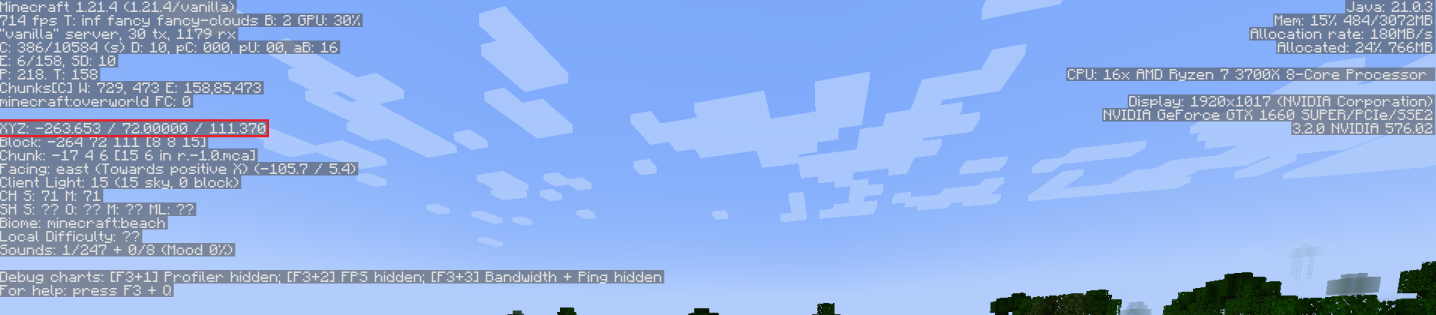
Open the debug key (F3 on PC in Java Edition or in Bedrock Edition) to view your x, y, z coordinates and make your way back there.
-
You achieve that by teleporting to your initial-x and initial-z which were 15 to 5, the y should be around 63 or 64. quarry for footprints or signs of your previous path during your adventure.
Follow the rule of east to west where the sun rises to get the general direction straight and identify yourself. Also, avoid walking in the circular path. Choose a general direction, either dig straight or walk in that manner.
Note: You can enable an option to have a spare chest specially equipped with food (bread crumbs, iron ingots) to make it easier to find 0,0 on your world.
Using A Locator Map
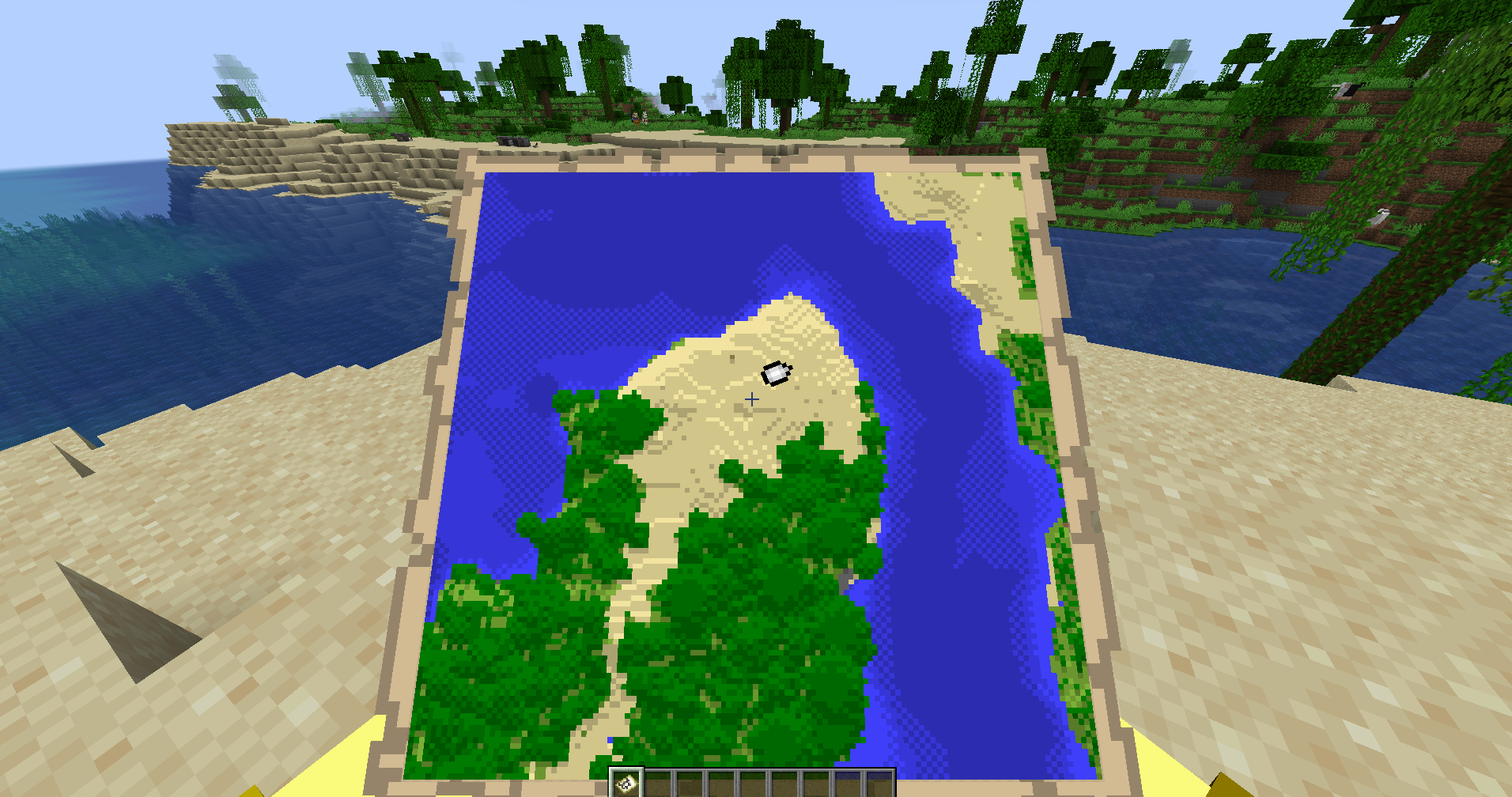
Created using a cartography table, a compass, and paper, the locator map is a powerful tool that can indicate to you your present location and the directions of your movement. It is particularly useful for keeping track of your situation since it is relative to the four main directions (north, south, west, east). Along with a compass, your locator map is instrumental in returning you to your original point of setting spawn still. Without any guesswork, you can easily find it.
Respawn Point: Use It Strategically
Your respawn location isn't just for respawning—it's also a handy navigation tool. Always keep an eye on your respawn locations by checking their coordinates on-screen. In the Nether, you can use respawn anchors powered by glowstone to establish a way back. In the Overworld, it's a good practice to sleep in a bed to recharge your spawn. If you ever get lost and die, you'll respawn at the nearest saved point—keeping you on track quickly and safely.
Being Completely Lost: How to Recover
These are the steps that you should follow when you are entirely lost:
-
Use the debug screen (PC) or the show coordinates setting (Bedrock) to check and obtain your current xyz coordinates.
-
Based on the original spawn/base coordinates that you have, go back while walking on a straight line.
-
Use markers, such as torches, dirt blocks, or wood planks, wherever you go you can use dirt blocks etc.
-
If you can't manage through the above methods, construct a high building and then have a view around the area and you might see something that looks familiar.
How To Prevent Getting Lost
To prevent yourself from getting lost in the first place:
-
Every time you enter deep caves, stick torches on the right wall and follow them while moving out with the left walls.
-
Instead of just using redstone dust or blocks, you can also use them as markers when you explore.
-
Further, constructing paths and roads using stone blocks is a good way to mark your way and to be seen from far.
-
One possible way of doing it is to build towers that can be seen from 50 blocks away near your house.
-
If it's not clear where you're going and where some landmarks are located, use signs to label the direction and the label of the landmarks.
-
Regardless of whether you are going into a huge cave system, it is never a good idea to go out without food.
Helpful Tip: Build Landmarks and Structures
One of the most effective ways to avoid getting lost is by being creative:
-
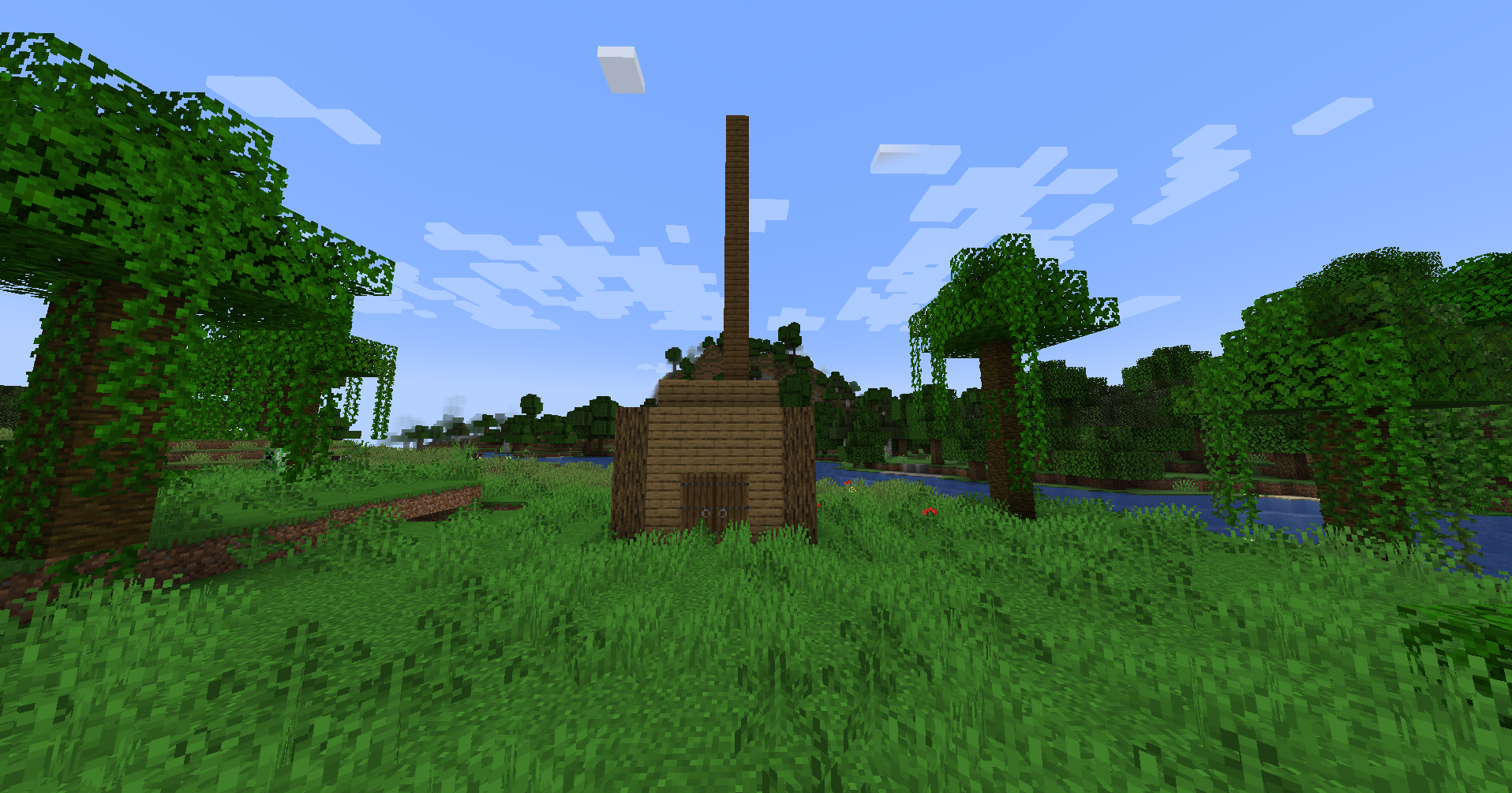
Construct the skyscrapers leaving tall antennas behind.
-
Produce massive beacons by using materials such as glowstone or stone.
-
Develop stone pathways or just be creative by linking your main locations attractively.
-
He is the copy in the toaster at the junctions.
-
For one route, choose different colored materials.
Additional Tips:
-
Players often build structures around their homes that are visible from miles away to avoid getting lost.
-
Constructing small shelters in large caves can serve as waystations for both navigation and resource storage.
Observe the Sun and Moon Carefully
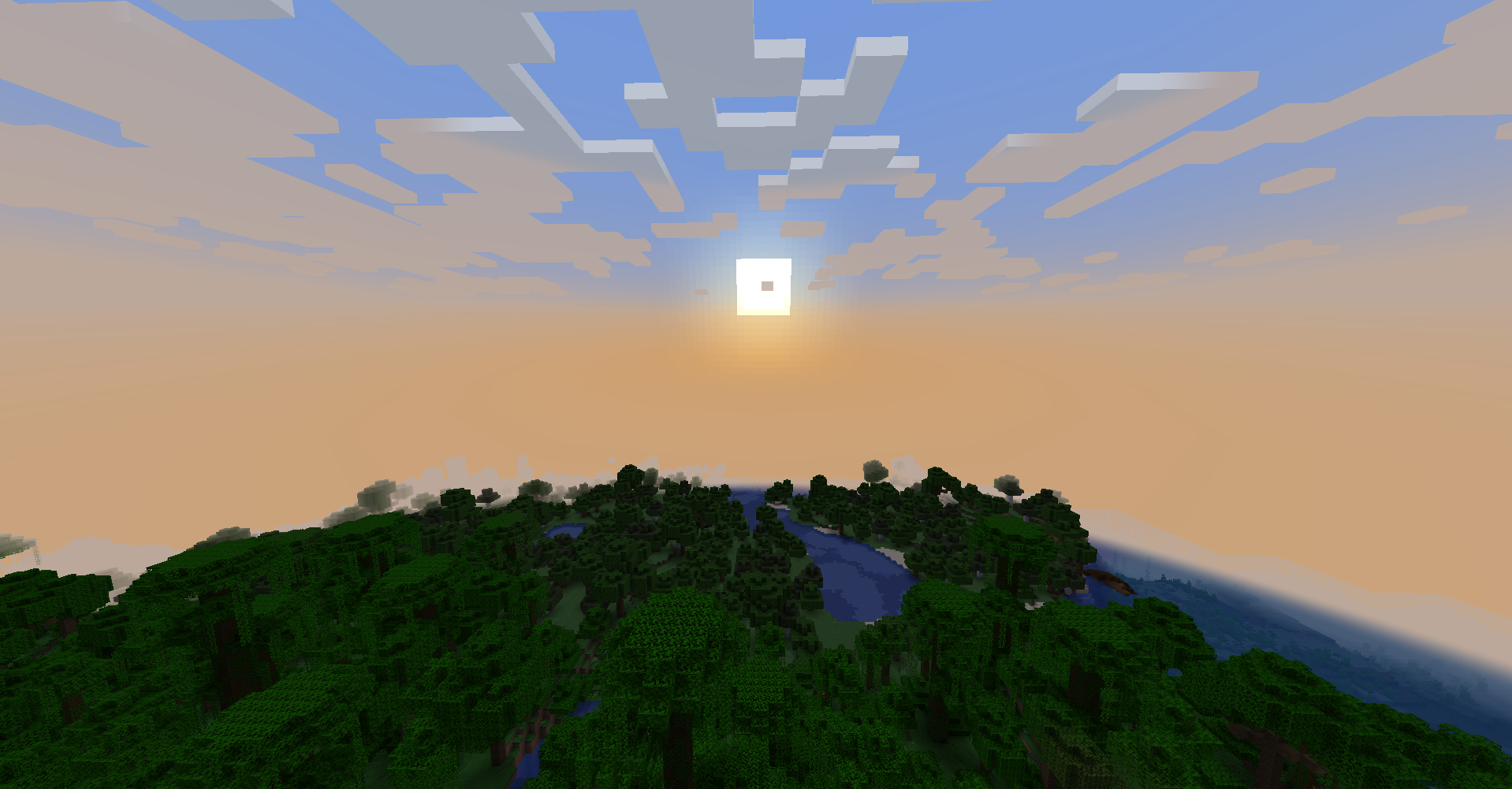
In Minecraft, the daylight cycle is full of surprises, and you can effectively use the movement of the sun and moon to establish your whereabouts in the game's world. Keep an eye on the sun and the moon circling your home.
The knowledge of the sun and the moon positions where they rise and set will serve you as a compass that can guide you but you are still required to be aware in which direction your house is compared to your current location. This is a great piece of advice for more skilled players.
Craft A Compass in Minecraft
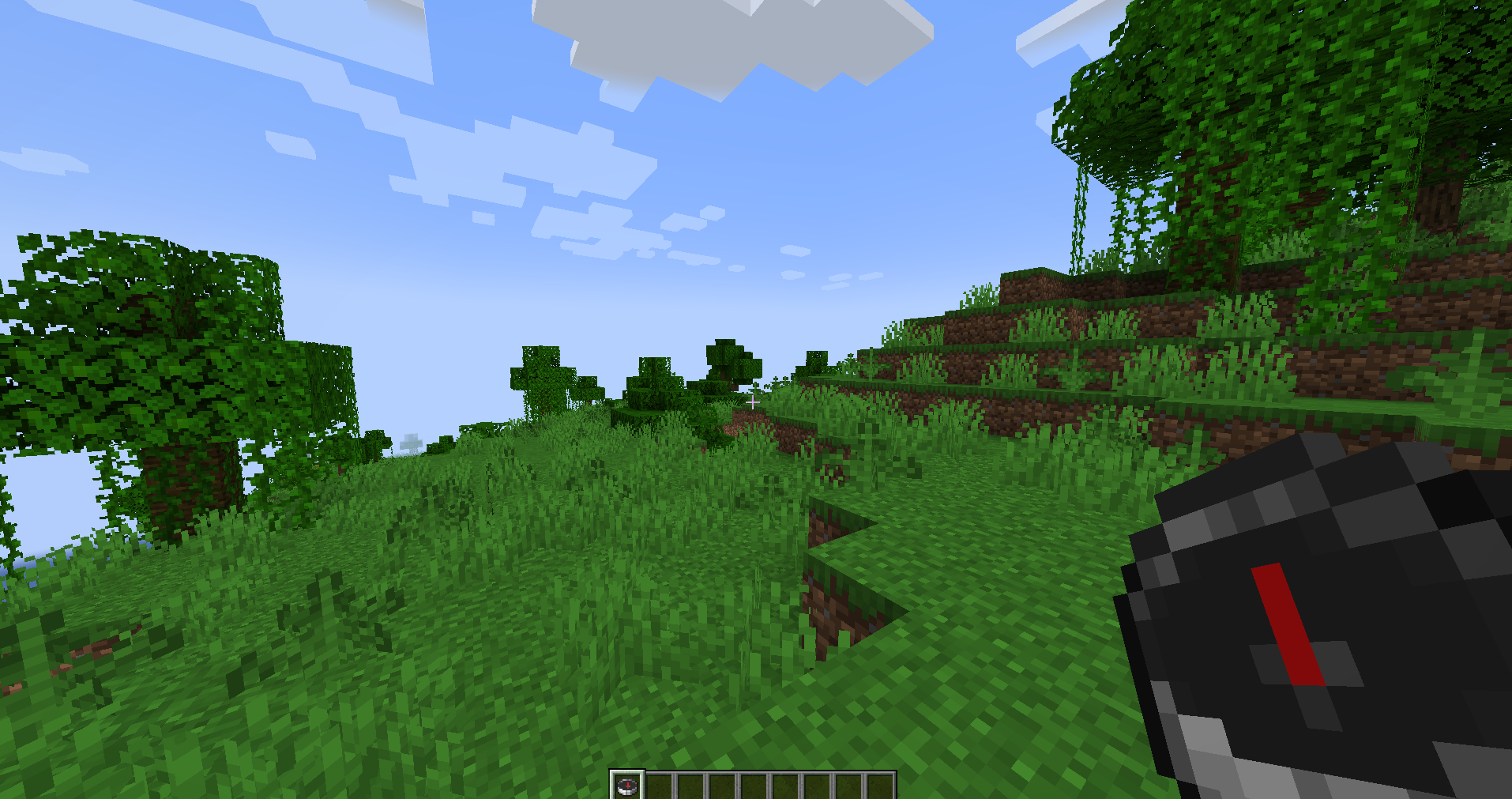
In Minecraft, you can make a compass using a few iron ingots and a little red stone, it just that you’ll have to be aware of the following things. At first, it always directs you to the original location on the map; hence, if you did not construct your shelter exactly in this place, it will not work at all for you.
Luckily, if you have a lodestone, then you can change its direction simply by using a compass. The lodestone is a special spot in the game that you assign, then via compass, you can always tell if you are going the right way. Unfortunately, the Nether is not an easy place to get the stone to make a lodestone.
Exploring With Friends
What would you say to escort others in an exploration that not only guarantees successful navigation, but also fun as well?
-
Divide the tasks between you and assign a player for each of your team's landmarks and a second to track the coordinates.
-
Go for voice communication via your mobile phone and keep in touch.
-
Open up the map with other people.
-
Build both of you equal bases and support the structures.
-
Help each other in the caves and take down the hostile mobs whenever you meet them.
Final Thoughts
Certainly, exploring the Minecraft world constitutes that part which most of the adventure fans find thrilling aside from the game itself. No matter if you have been at the deepest point of the cave, just crossed the biome, or are in the process of fulfilling your dream of building a house, a clear path is the destination of an enjoyable moment. Furthermore, having a good compass that indicates which route to take. Furthermore, the difference between life and death would be the power to set your original place of birth. in a cave, where you have no idea where you are.
If you keep these tips in mind, you can surely survive in the Minecraft world. You should never forget to put markers, be keen on your current position, and put efforts into building well.