How to Grow Small Sulfur Cubes into Large Ones
Learn how to cultivate small sulfur cubes into larger ones with our detailed, step-by-step guide. Discover effective techniques and tips—read more!

Shahrukh Sial is a Gaming Content Strategist at Sparked Host. He identifies his own strategic outlines through deep research to cover game guides, tips, and updates that help players improve their skills and enjoy a better gaming experience.
To grow small sulfur cubes into large ones, you can either wait about 20 minutes for them to grow naturally or feed the small cubes slimeballs to speed the process up. For Minecraft players using sulfur cubes for advanced engineering, redstone machines, or base defense, small sulfur cubes are only the starting stage and cannot handle the jobs that large ones can.
Learning how growth works lets you expand your sulfur cube population without repeated trips back to the dangerous sulfur caves biome, which makes building and defending your base much easier. This guide explains the full system: growth mechanics, feeding to control speed and size, transport and storage, block absorption, sulfur cube archetypes, damage resistance, platform differences, and dispenser-based automation for managing them efficiently.
The Natural Growth Process of Minecraft Sulfur Cube
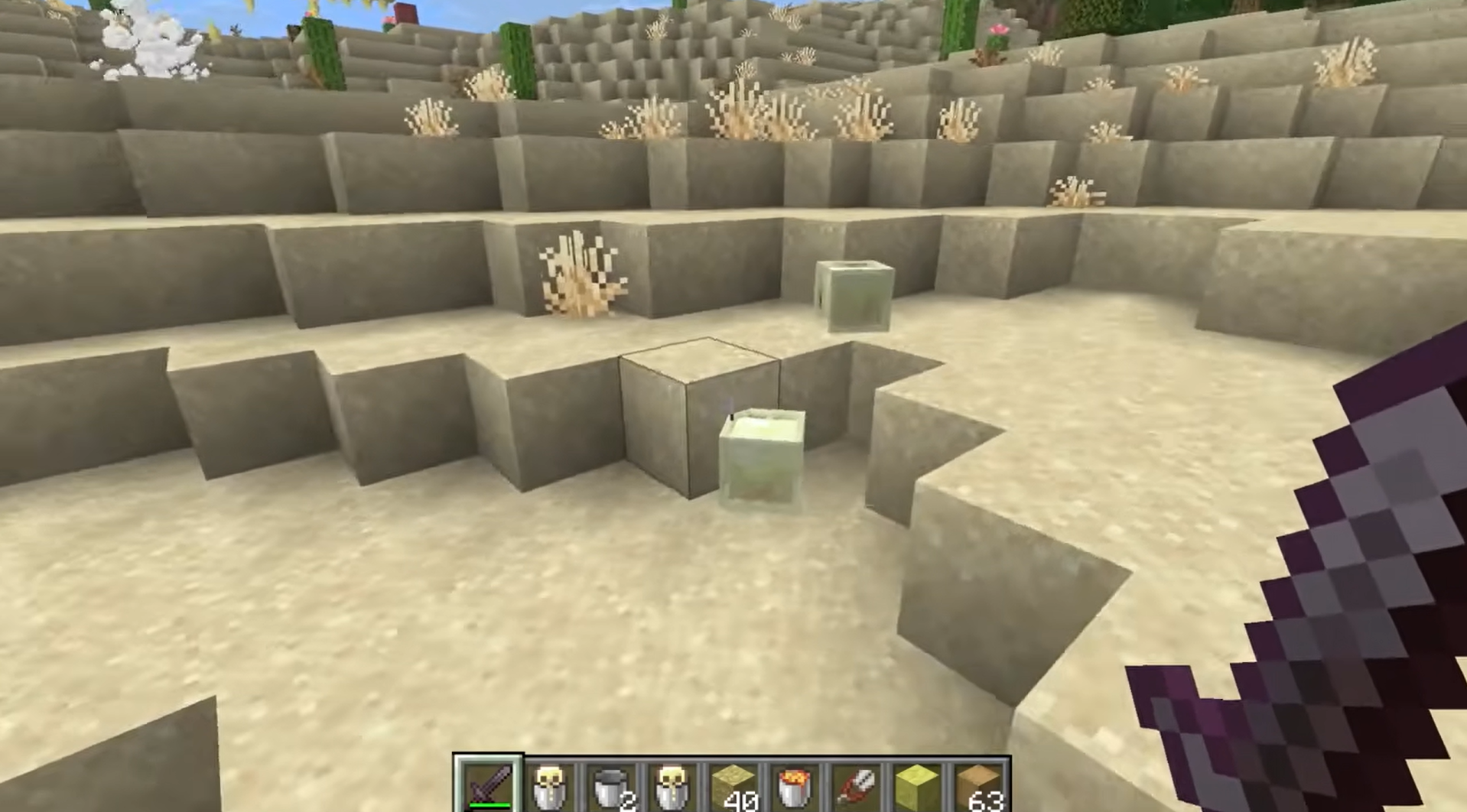
Small sulfur cube mobs act just like baby mobs in the game; they are pale yellow and passive slime mobs. If you simply leave them alone, they will grow into large ones by themselves over time. This natural process takes 20 minutes of waiting. While they are waiting to grow, they stay in their small form, and it is worth noting that small sulfur cubes do not drop items when killed. During this period, they are unable to perform any block absorption, which means they are not yet capable of interacting with your physics-based projects.
It is also important to remember that these small mobs are created when a large sulfur cube dies. If you name the large parent cube before it dies, both of the resulting two small sulfur cubes will keep that name. This is very helpful if you want to keep track of your sulfur cube count in a large, busy base. By keeping your sulfur cube mobs named, you ensure that they remain a permanent part of your world.
Controlling Growth of Minecraft Sulfur Cube with Feeding
You can change how fast a sulfur cube grows by feeding it specific items. This gives you complete control over your sulfur cube population. Whether you are in a rush to finish a build or you want to keep a permanent collection of small pets, these feeding items are essential.
Step 1: Making the Minecraft Sulfur Cube Grow Faster
If you have an engineering project that needs a large sulfur cube right now, you do not have to wait 20 minutes. You can start feeding the small sulfur cube a slimeball. This will significantly reduce the remaining growth time. If you keep feeding them a slimeball, the sulfur cube will mature much faster. Slimes are easy to get if you find slimes in swamp biomes at night or deep underground.
Step 2: Keeping the Minecraft Sulfur Cube Small Forever
Sometimes you might want a small sulfur cube for decoration or a specific base build where a large mob would be too big or distracting. If you want to keep a sulfur cube small forever, start feeding it a golden dandelion. This stops the growth process completely. Once you do this, the sulfur cube will never become a large one.
Since small sulfur cube mobs cannot perform any block absorption, they will stay harmless and will not be able to interact with your machines. This makes them perfect for decorative uses where you do not want an entity that can change state.
Transport and Storage Protocols and Security Verification
Moving your sulfur cube mobs is easy if you know the right tools, since they are passive mobs and are relatively simple to relocate. You can use an empty bucket on any large ones. This turns it into a bucket of sulfur cube item, and a Bucket of Sulfur Cube can be placed anywhere to release it. This is the safest way to carry them in your inventory to a new location. Furthermore, you can leash a Sulfur Cube after it absorbs a block.
Once you place them down, you can use a name tag to make sure they do not disappear. Bucketed cubes do not count toward the game limit for mobs. However, be careful if you let a bucketed sulfur cube split into small ones, as those small ones might disappear if they are not managed properly or named, since passive mobs can still despawn if left unmanaged.
The Science of Block Absorption
When your small sulfur cube grows into a large sulfur cube, it gains the ability to perform block absorption. This is where they truly become useful for engineering. You can start feeding a large sulfur cube by interacting with it, or by dropping an absorbable block on the ground in front of it. They will even follow players who are holding an item that they can absorb.
When a sulfur cube performs block absorption, the sulfur cube absorbs one block, becomes immobilized, and shows that block inside its body. That visible block inside serves as a great way to tell what kind of physical properties the sulfur cube currently has. Once the absorbed block is displayed, the cube becomes damage-immune until that block type is removed, including resistance to melee hits and projectiles while it remains inside. If you decide you want to change the block type inside, you can start feeding it a new one; the old block will drop out as an item.
Understanding Minecraft Sulfur Cube Archetypes
Different blocks give the large cube different physical traits through absorption. Sulfur cubes exist in two sizes, and only the large cube uses these archetypes through absorption. Knowing these is the secret to building high-level machines, since archetypes change not only bounce and gravity but also air drag:
-
Bouncy Archetype: Blocks like planks, logs, and wood make the sulfur cube bounce often.
-
Sticky Archetype: Honeycomb blocks make the sulfur cube stop moving or sliding.
-
Fast Sliding Archetype: Blue ice and packed ice make the sulfur cube slide very quickly.
-
Heavy Archetype: Iron or stone blocks make the Minecraft sulfur cube have high gravity.
-
Light Archetype: Wool makes the sulfur cube have very low gravity.
-
Hot Archetype: A magma block creates a damage zone around the sulfur cube, hurting any monsters that get too close.
-
Explosive Archetype: A TNT block allows the sulfur cube to be used as a moving bomb.
Special Archetypes and Safety Warnings
The Explosive TNT Cube
If a sulfur cube has consumed TNT, it can be turned into an explosive. Once the fuse is lit, you cannot bucket the sulfur cube, and ignited TNT is the sole exception that cannot be safely removed with shears. Once ignited, the TNT inside the cube explodes after six seconds. The explosion will not spawn small sulfur cube mobs, which makes it a clean way to handle demolition. You can ignite these cubes using a magma block or fire sources.
The Hot Magma Cube
A sulfur cube that absorbs a magma block act like a mobile heat source. It will damage any nearby mobs that touch it. This is a passive defense system that works even if you are not actively controlling the Minecraft sulfur cube. However, even though the sulfur cube is immune to magma block damage, it is still vulnerable to regular fire and other environmental hazards.
Damage Resistance and Physics
When a sulfur cube has an absorbed block inside, it gains strong damage resistance and reacts to hits with knockback. Those hits work almost like striking a ball, and the point of impact changes the direction it travels. You can use this to launch sulfur cube mobs along a path. However, keep in mind that they are not invincible. In Java Edition, a large sulfur cube has 8 health. They can still be killed by fire, suffocation, fall damage, or the Wither effect.
Platform Differences
-
Airborne Knockback: In Bedrock, sulfur cube mobs are knocked further when hit while jumping.
-
Climbing: In Java, a sulfur cube can still climb ladders if it is launched.
Building Automated Systems with Dispensers
You do not need to do everything by hand. You can use dispensers to help manage your sulfur cube mobs:
-
Feeding: A dispenser can start feeding a block to a sulfur cube.
-
Removal: A dispenser with shears will pop the block absorbed out automatically.
-
Movement: By placing dispensers to hit the sulfur cube, you can launch them in specific directions.
Conclusion: Mastering Your Sulfur Cubes
By following this guide, you can create a steady, reliable supply of large sulfur cube mobs for all your high-level engineering projects. These mobs add a layer of depth to the game that turns standard building into a physics-driven adventure.
Always remember to handle the explosive archetypes with caution, use name tags to keep your work permanent, and enjoy experimenting with the new possibilities that the sulfur cube brings to your world. Since they spawn only in the sulfur cave, you will not need to travel back and forth once you have a reliable setup there. Sulfur caves biome generates deep underground, and sulfur springs on the surface can point you to them because they contain yellow blocks of sulfur and release toxic gas. Harness the chaos cubed update and start building your future now.