How To Turn Dirt Into Grass In Minecraft
Find out how to turn dirt into grass in Minecraft. Learn the mechanics, tools, and tips to spread grass blocks and transform your builds naturally.

Shahrukh Sial is a Gaming Content Strategist at Sparked Host. He identifies his own strategic outlines through deep research to cover game guides, tips, and updates that help players improve their skills and enjoy a better gaming experience.
Building and terraforming your surroundings is a huge part of the game, and one of the most common things people want to do is make their land look more natural and vibrant. The key to this is having a beautiful, green lawn. You might have a lot of dirt blocks in your world and are wondering how to turn them into lush grass.
The good news is, you do not need any complicated crafting recipes or special tools for this process. It is a natural process that happens in the game world, and you can influence it with just a little effort. This guide will walk you through the simple steps to turn any dirt block into a grass block, making your creations feel more alive.
Step 1: Place Down A Source Grass Block
The most important thing you need to turn dirt into grass is a source block of grass.
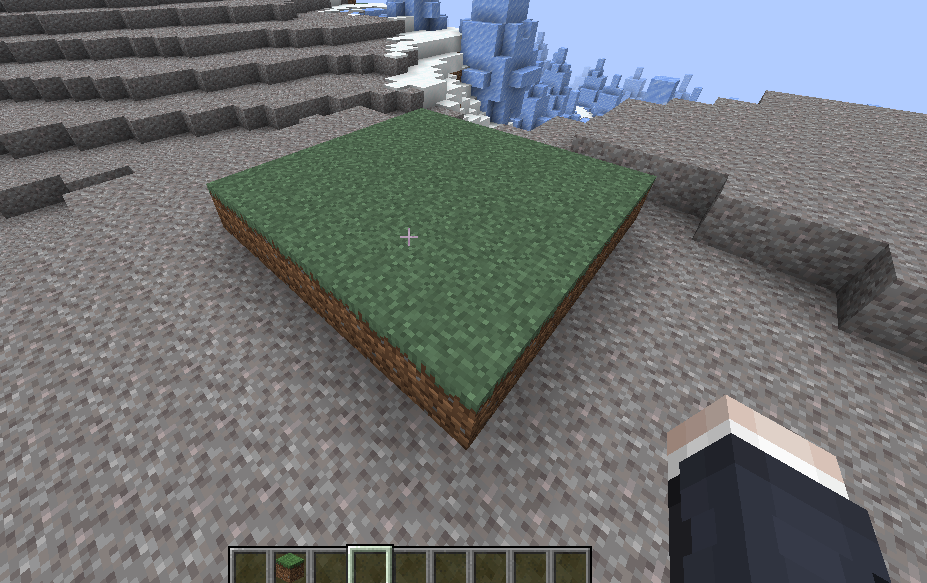
A source block is a grass block that has already been placed in your world and can begin the process of spreading. Without an existing grass block, you cannot make any new ones. There are a couple of ways to get a grass block to use as your source. A very common issue is not having a source grass block to begin with. You must have a grass block to grow more grass blocks.
Method 1: Use A Silk Touch Tool
The easiest and most reliable way to get a source grass block is by using a tool with the Silk Touch enchantment. The Silk Touch enchantment is a special ability that allows a tool to drop the block itself instead of its usual drops. For example, when you mine a grass block with a normal shovel, it drops a dirt block.
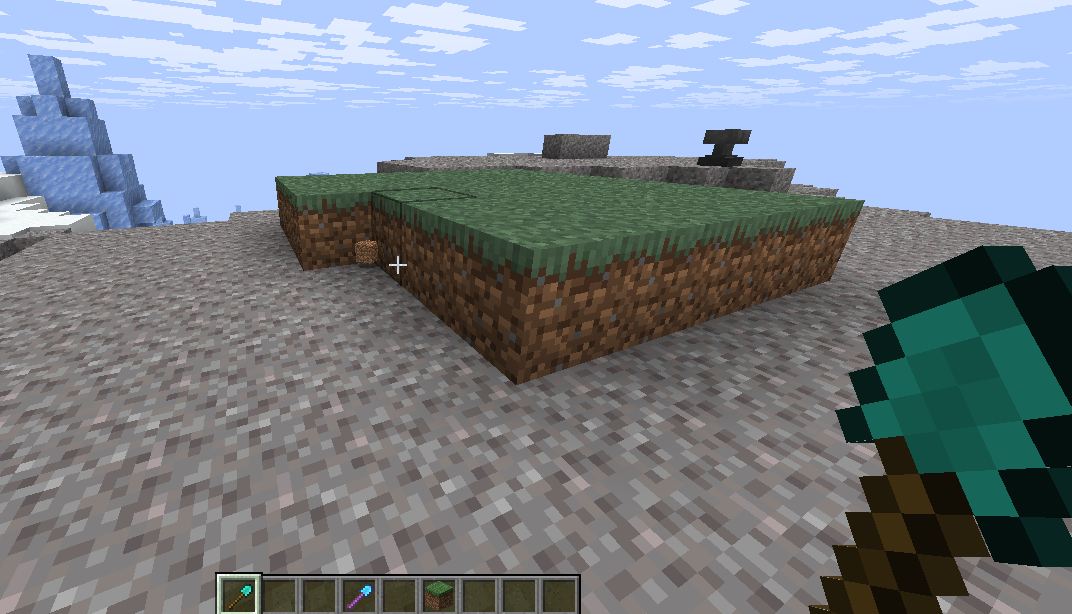
But if you use a shovel with Silk Touch, it drops a grass block, which you can then place down anywhere you want. It is a very useful tool to have.
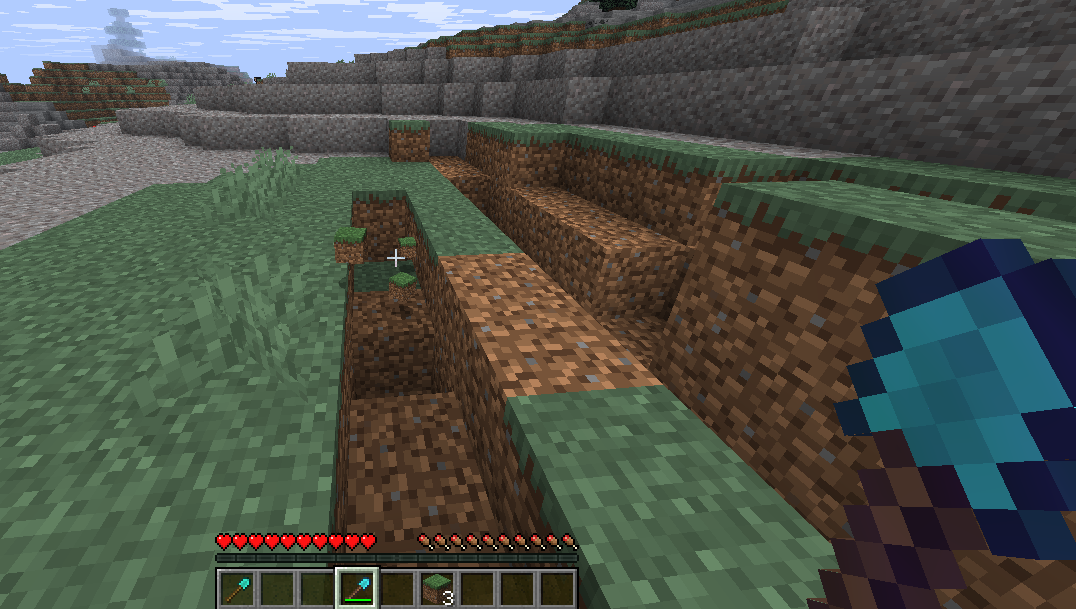
To get a tool with Silk Touch, you will need to find an enchantment book or an enchanted tool. You can find these in a variety of places, such as by looting chests in dungeons, strongholds, or villages, or by fishing. You can also get them by enchanting your own tools at an enchanting table. A tool with the Silk Touch enchantment is one of the most useful items you can have for building projects. Once you have your tool, simply find an area with existing grass blocks, mine one block, and it will drop the grass block item. A note here is that you cannot get a grass block item without this specific enchantment. It will also drop some tall grass and flowers.
Method 2: Use Grass That Is Already On The Ground
If you do not have a Silk Touch tool, do not worry. You can still make dirt turn into grass. You just have to find a grass block that is already in the game world. Most biomes have grass blocks, so finding one should be no problem. The only thing is, you have to use that existing grass block as the source. This means you will be building your dirt path towards the grass rather than bringing the grass to your dirt.
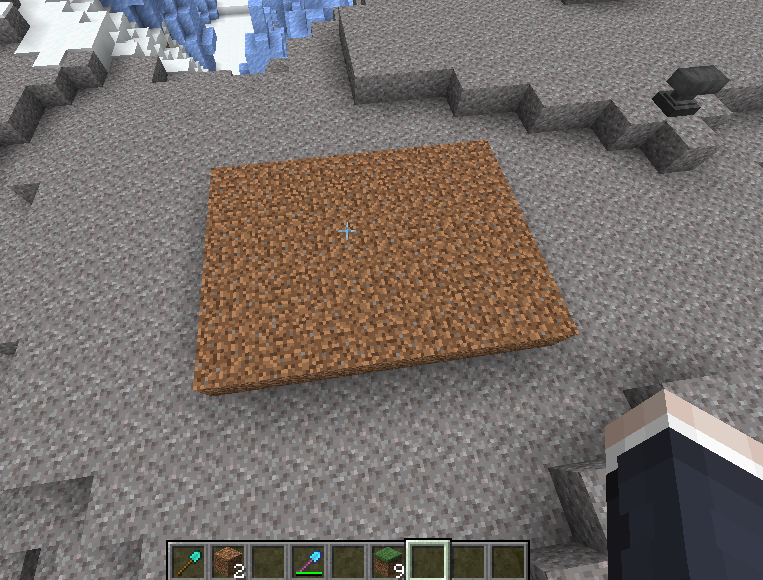
This method might be a bit more time-consuming if the grass is far away, but it works just as well. You will be holding a dirt block or a group of dirt blocks and placing them next to the existing grass blocks.
Step 2: Place Down Your Dirt
Once you have your source grass block, the next step is to place down your dirt blocks. This part is simple. Just place the dirt blocks next to the source grass block.
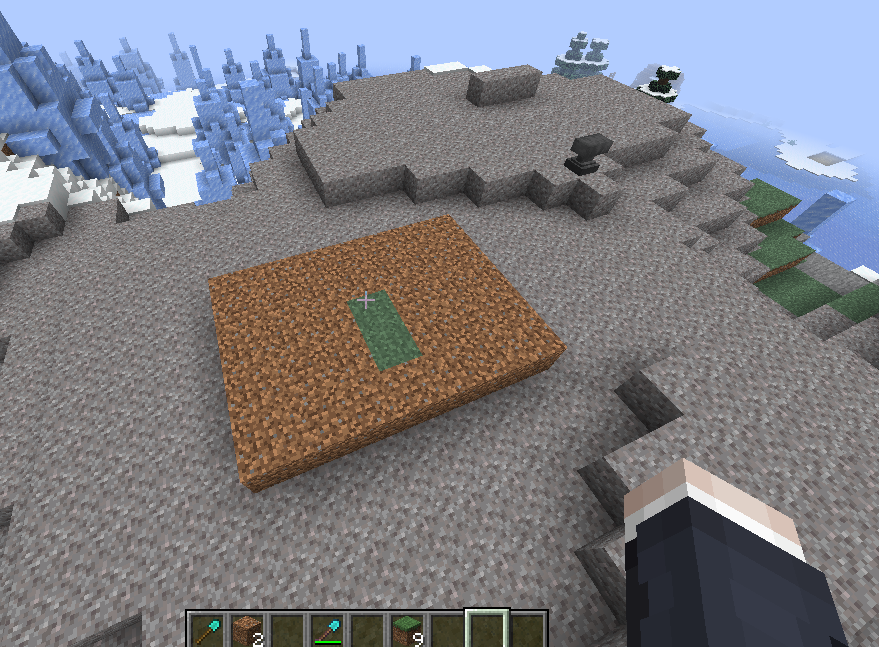
The process of the grass spreading is called grass decay and it happens one block at a time. The grass will spread from the grass blocks to any adjacent dirt blocks. It is important to place your dirt blocks right next to the grass to ensure the process begins. This is an important note.
It does not matter if the dirt blocks are on the same level, above, or below the grass blocks. The grass will still spread as long as the dirt is next to the grass. The grass will continue to spread from the newly created grass blocks to other nearby dirt blocks, so you do not have to place all of your dirt blocks right next to the original source. You can create a line of dirt blocks to a new location and the grass will slowly follow, turning each dirt block as it goes. This is how you turn a lot of dirt into grass.
Dirt Blocks in Minecraft
Dirt blocks are one of the most common and fundamental blocks in all of Minecraft. They are a staple of the Overworld, making up a huge percentage of the surface and underground areas. Dirt is a basic, natural block that is essential for a variety of tasks, from planting crops to building simple structures. They can be easily broken by hand, but a shovel is the fastest tool for digging up dirt blocks. When you break a grass block without a Silk Touch enchantment, it also drops a dirt block. This makes dirt incredibly easy to find and collect in large quantities.
Dirt blocks can be used for more than just building. They are the ideal block for farming, as they can be tilled into farmland with a hoe to grow crops like wheat, carrots, and potatoes. Dirt is also used to create a variety of other natural blocks. For instance, you can combine dirt and gravel to craft coarse dirt, a block that prevents grass from spreading onto it. This is a very useful thing to know if you want to create a path that will not turn into grass over time. You can also turn dirt into rooted dirt and mud, which have their own unique uses and properties.
-
Used for farming crops.
-
The base for grass block growth.
-
Can be crafted into coarse dirt.
-
A very common building material.
-
Can be tilled into farmland.
Step 3: Make Sure Your Grass & Dirt Have Light
This is a very important step, and the most common reason why people have problems getting their dirt to turn into grass. For grass to spread, both the source grass block and the dirt block it is trying to spread to need to have a light level of 9 or higher. This means they need to be well-lit.
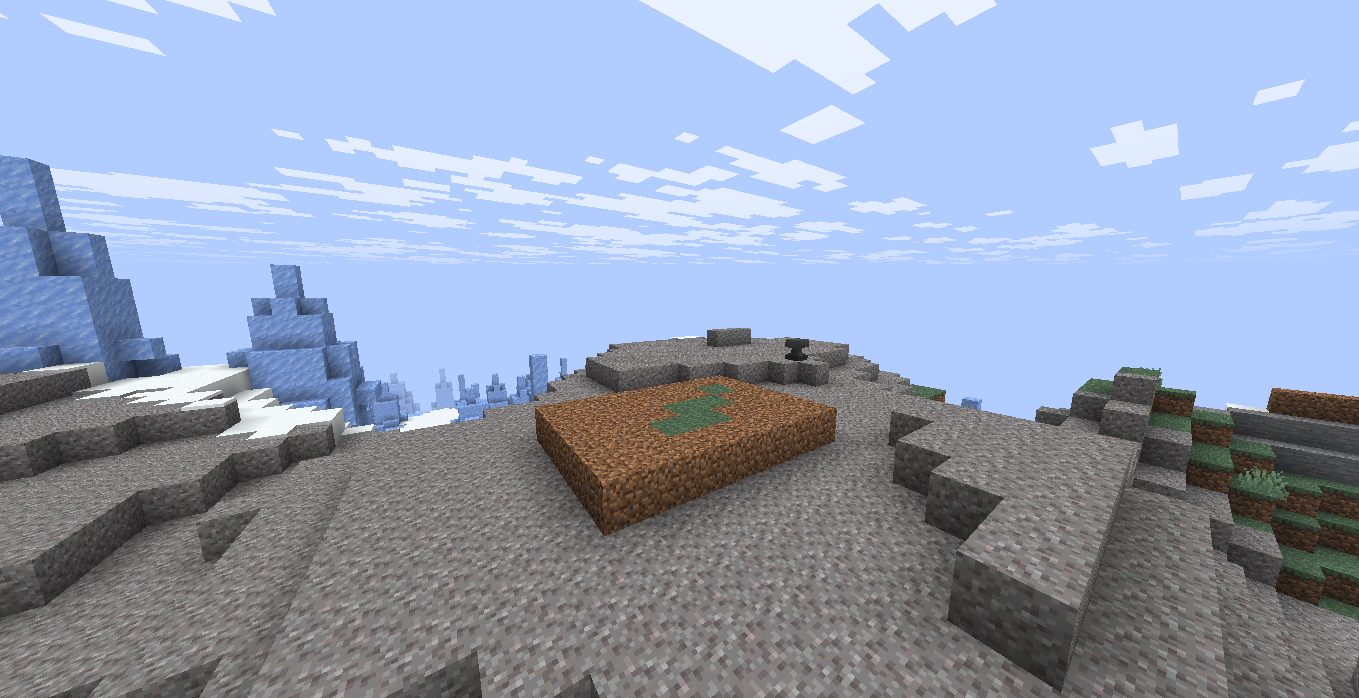
If you are working outside during the day, this is usually not an issue. The sun provides a high enough light level to allow the grass to grow. But if you are working underground or in a cave, or even at night, you will need to provide your own light source. Torches, glowstone, sea lanterns, and many other light-emitting blocks will work. Just make sure to place a few torches around the dirt blocks you want to turn into grass to keep the light level high. This is one of the most crucial things to remember to make this work. A person can become very frustrated if they miss this important detail.
Can Dirt Turn Into Grass Underground In Minecraft?
Yes, dirt can turn into grass underground, but only if you follow the rules. As mentioned above, the light level is the most important factor. If you dig a tunnel and place dirt blocks, they will not turn into grass unless you place torches or another light source to bring the light level to at least 9.
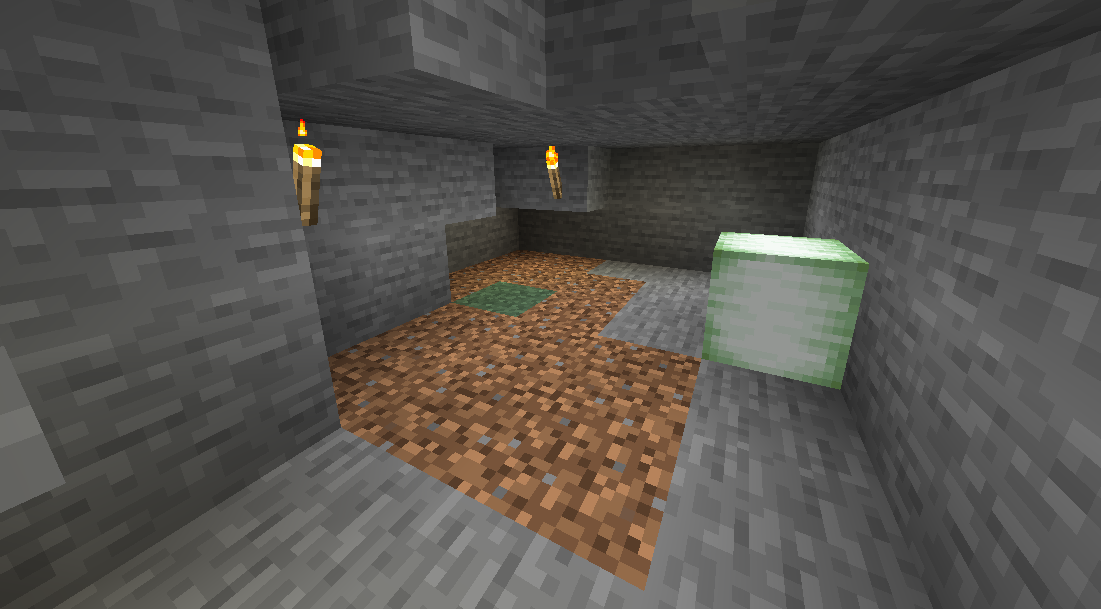
If you do this, you can have a beautiful grassy area far beneath the surface of the world. It is also important that there is a source grass block nearby for the spread to begin. You will be amazed at how this process is happening.
Step 4: Wait For Your Dirt To Turn Into Grass
This is the easiest but also the most challenging step for many people. Once you have placed down your dirt blocks and ensured they have a light level of 9 or higher, all you have to do is wait. The process is not instant. It is a slow, natural part of the game. Grass will spread from one block to another over time. You will see the grass slowly turn the dirt block from brown to green. This can take anywhere from a few seconds to a few minutes for each block, depending on the game ticks. It is a fascinating thing to watch.
The good news is that you do not need to be standing there for it to happen. The grass will continue to spread while you are away doing other things in your world, as long as the chunks are loaded. This is a passive process, meaning you can set it up and then go about your other business, returning later to find your dirt has become grass. It is a lot faster than some might think.
When Does Dirt Turn Into Grass?
Dirt can turn into grass at any time of day or night as long as the light level requirement is met. There is no specific time of day when it happens faster. The spread is not affected by rain, temperature, or any other weather conditions. The only things that matter are the presence of a source grass block and the correct light level. The spread will happen whenever the game ticks allow it to, which is a constant process in Minecraft. The grass can spread one block at a time, so be patient and let the process continue.
Why Is My Dirt Not Turning Into Grass?
If you have followed all the steps and your dirt is still not turning into grass, it is likely one of the following issues:
-
Low Light Level: This is the number one block reason. Check the light level of the dirt block and the adjacent grass block. If it is not 9 or higher, the grass will not spread. You can check the light level by pressing F3 on a computer to bring up the debug menu. The light level will be listed in the data.
-
No Source Block: You must have a grass block next to your dirt blocks. The process cannot start from nothing.
-
Obstructions: There must be a clear path for the grass to spread. If another block is in the way, the grass will not spread. Make sure nothing is blocking the way between your source grass block and your dirt block.
If you fix any of these problems, the grass should start to grow. It is a reliable process that has been a part of the game for a very long time.
How To Make Dirt NOT Turn Into Grass
There are times when you might want to prevent dirt from turning into grass. For example, if you are building a path or a road and you want to keep the dirt brown. You can achieve this by placing another block on top of the dirt. If a dirt block has any other block on top of it, even a transparent one like glass, the grass will not grow. This is because the game sees the dirt as being in a shaded area. A person might also want to do this to kill all the tall grass that might be there. You can also make sure the light level is below 9. Placing the dirt blocks in a dark area, like a deep cave or a covered building, will prevent the grass from spreading. A person can also kill a lot of tall grass by replacing it with other blocks like flowers or stone. This is a useful thing to know for many building and design projects where you want to keep a specific look for your dirt or dirt blocks.
The game is created to have dirt and grass work in a certain way, so to prevent the spread, you have to abuse the game's mechanics a little bit. By understanding how the grass spread works, you can either encourage it or prevent it from happening, giving you more control over your world. For example, if you use a shovel to kill tall grass and flowers, you can replace them with dirt blocks. A person can abuse this system to make sure no tall grass or flowers grow on their path. You can abuse this to turn a lot of grass blocks into just plain dirt blocks.
Final Thoughts
The process of turning dirt into grass is a simple but important aspect of Minecraft. It allows you to create beautiful landscapes and make your builds feel more connected to the natural world. By understanding the simple rules of light, source blocks, and patience, you can easily turn any patch of dirt into a lush, green field. It is a fundamental skill for any person who enjoys building and terraforming in the game. A person can use clicking to replace dirt blocks with grass blocks, but you need the right tool for that job.