How to Use Raft in Valheim Effectively
Struggling to steer your first Raft in Valheim? Master the rudder controls, avoid serpent attacks, and cross water without sinking or getting stuck.

Shahrukh Sial is a Gaming Content Strategist at Sparked Host. He identifies his own strategic outlines through deep research to cover game guides, tips, and updates that help players improve their skills and enjoy a better gaming experience.
The raft is your first watercraft in Valheim, serving as a crucial tool for early-game coastal exploration and island hopping. This guide is for new Valheim players who want to master early-game water travel and avoid common pitfalls. While it lets you cross deep water long before unlocking advanced metallurgy, it suffers from low durability and slow speeds compared to later ships. Learning to use the raft matters for early exploration and survival, as it allows you to reach new biomes and resources safely. Building a raft is essential for early-game exploration in Valheim, and the raft is the cheapest ship option available in Valheim.
Mastering its wind mechanics and controls is essential to avoid getting stranded at sea.
How to Build a Raft
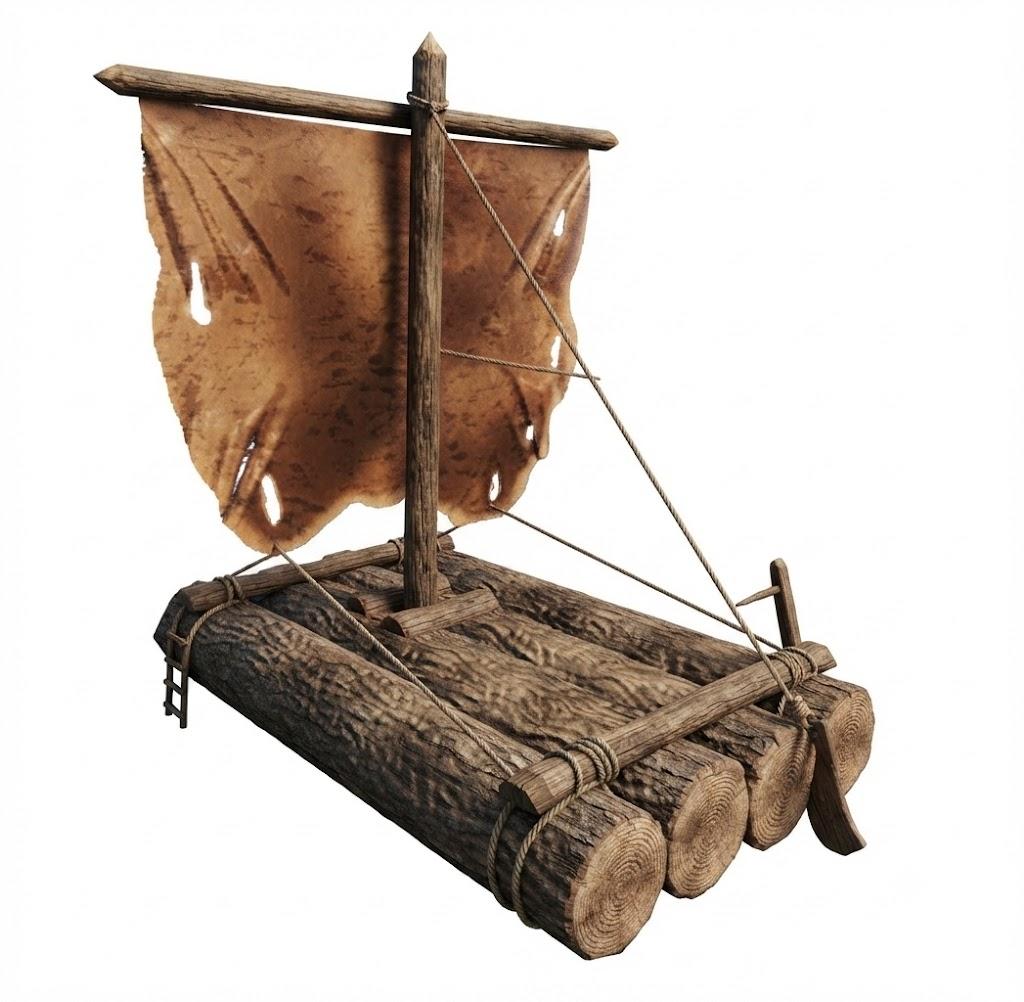
Materials Needed
-
20 Wood
-
6 Leather Scraps
-
6 Resin
Workbench Placement
-
Build a Workbench near the shoreline close to the water.
-
Note: A workbench must be nearby to build a raft, and rafts must be constructed on water, not on land.
Building Steps
-
Equip your hammer.
-
Open the crafting menu and select the Misc tab.
-
Position the raft blueprint over deep water and left click to launch it.
Controls and Half Sail Speed Settings
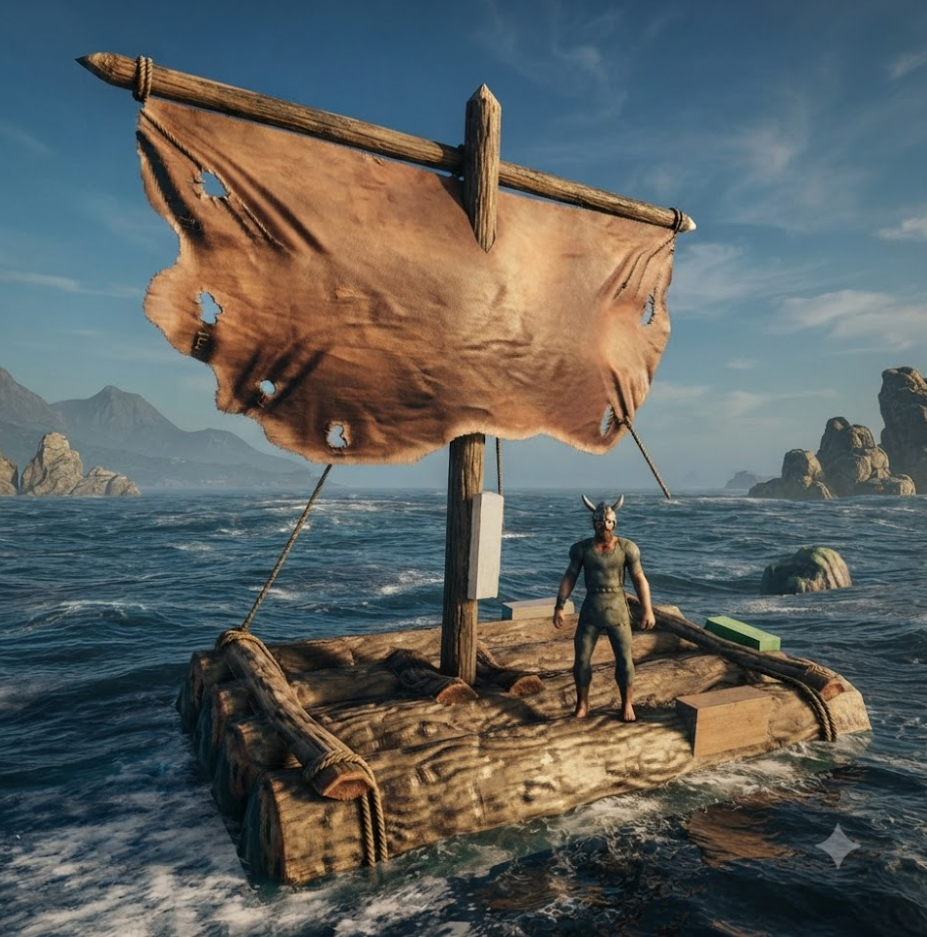
Basic Controls
-
Grab the rudder: Approach the rear right side of the raft and press E to steer.
-
Press W to accelerate: Pressing W drops the sail and increases forward speed.
-
Press S to decelerate: Pressing S raises the sail, slows you down, or reverses.
Speed Settings
-
Rafts have three speed settings: half sail, full sail, and paddling.
-
Use half sail: Press W twice to set the middle speed setting for controlled maneuvering.
Wind Direction and the White Wind Icon
-
The raft is dependent on wind for movement, which is shown by an indicator.
-
Check the HUD circle: The gold wheel on your UI shows your ship and the wind.
-
Watch the wind icon: Wind direction is indicated by a white wind icon. A white wind icon means the wind is blowing from an optimal direction.
-
Monitor icon color: If the wind icon turns grey, you are sailing directly into the wind.
-
Track the mini-map: A small white arrow on your mini-map constantly displays current wind direction.
Navigating: Tacking, Steering, and Route Planning
Tacking Against Wind
- Tack against wind: Sail in a zig-zag pattern at a 45-degree angle when wind is unfavorable.
Steering Tips
- Time rudder turns: Turn the rudder slowly to maintain forward momentum.
Route Planning
-
Plot your waypoints: Look at your map to plan safe coastal routes before launching.
-
Avoid shoreline rocks: Keep a safe distance from shallow waters to prevent hull collisions.
Sailing Strategies to Use Raft Effectively
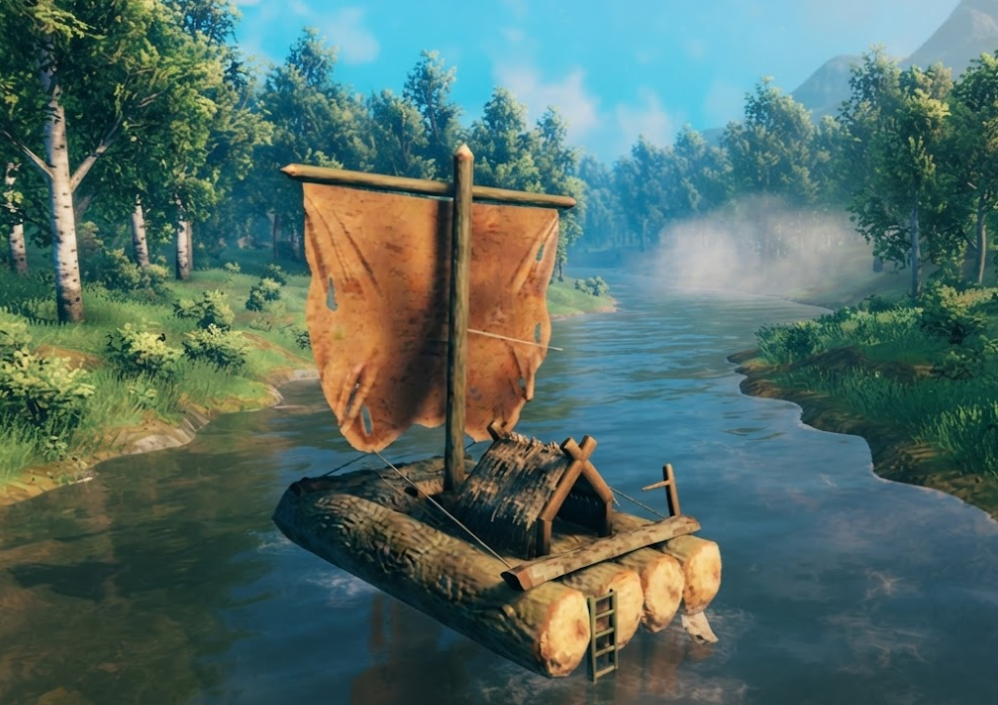
Wind Management
-
Use half sail: Drop to half sail during steady side winds for maximum steering control.
-
Paddle when stuck: Use the first forward gear (one tap of W) to paddle forward manually against grey wind.
Coastal Navigation
-
Hug the coastline: Stay close to the shore to limit your exposure to open-ocean waves.
-
Scout enemy spawns: Watch the shoreline for Greydwarfs or Fulings before steering too close.
Upgrading Your Vessel
- Upgrade your boat: Abandon the raft for a Karve or Longship as soon as you mine bronze.
Combat, Cargo, and Raft Limitations
Durability
- Expect low durability: Rafts break quickly under attack and cannot withstand Ocean Sea serpents.
Cargo Capacity
-
Avoid heavy cargo: Rafts have zero storage slots and cannot carry heavy mineral carts.
-
The raft offers no storage and is meant for short-distance travel.
When to Upgrade
- Use better boats: Save your heavy transport missions for vessels with built-in storage hulls.
Raft vs. Karve vs. Longship: Comparison Table
| Feature | Raft | Karve | Longship |
|---|---|---|---|
| Durability | Low | Higher | Highest |
| Storage | None | Built-in storage | Built-in storage |
| Speed | Slow | Faster | Fastest |
| Cargo Capacity | Cannot carry carts | Can carry cargo | Can carry more cargo |
| Intended Use | Short-distance, early game | Longer trips, mid-game | Long voyages, late game |
Troubleshooting Common Raft Problems
How to Push a Beached Raft in Valheim
-
Run and sprint directly into the wooden hull from dry land to push it back into deep water.
-
Alternatively, jump into the water and swim forward against the craft to shove it into deeper water.
-
If it is completely jammed on an object, use a pickaxe to break the underlying rocks.
-
If all else fails, chop the raft down with an axe to reclaim the materials and rebuild it.
How to Free Stuck Rafts
-
Jump into the shallow water.
-
Strike rocks with a pickaxe to clear them from under the raft.
How to Repair a Raft
-
Dismount from the raft.
-
Drop a workbench on the nearby shore.
-
Use your hammer to fix damage.
Quick Tips
-
Crafting recipe summary: 20 Wood + 6 Leather Scraps + 6 Resin.
-
Paddle speed reminder: One chevron up (^) moves the raft slowly regardless of wind.
-
Half sail reminder: Two chevrons up (^^) utilize medium wind power.
-
Full sail reminder: Three chevrons up (^^^) unleash maximum wind speed.
-
Rafts cannot capsize: Strong Ocean waves will never flip your raft over, but they can beach it.
FAQS
Why won't my raft move in Valheim?
Your raft will not move if you are trying to sail directly into the wind (indicated by a grey wind icon on your HUD) with your sails down. It will also stall if the hull is scraping against shallow sand or rocks, if you have not actively interacted with the rudder by pressing E, or if your speed setting is currently set to neutral.
How do rafts work in Valheim?
Rafts operate on a wind-direction system where speed depends on the angle of the wind hitting your sail. You control the craft using the rudder to change directions and pressing W or S to cycle through four distinct speed settings: reverse paddle, neutral, forward paddle (moves slowly without wind), half-sail, and full sail.
Can you put a chest on a raft in Valheim?
No, you cannot put a chest on a raft because the raft has no built-in storage slots, and the game prevents you from using the hammer tool to build structures on it. Any loose items or carts dropped onto the deck will slide off into the water or destroy the raft due to wave physics.
How to push raft in Valheim?
-
Run and sprint directly into the wooden hull from dry land.
-
Jump into the water and swim forward against the craft to shove it into deeper water.
-
If it is completely jammed on an object, use a pickaxe to break the underlying rocks.
-
Chop the raft down with an axe to reclaim the materials and rebuild it if necessary.