How To Waterlog Blocks In Minecraft
Learn how to waterlog blocks in Minecraft to create realistic builds. Follow simple steps to waterlog slabs, stairs, fences, and other compatible blocks.

Shahrukh Sial is a Gaming Content Strategist at Sparked Host. He identifies his own strategic outlines through deep research to cover game guides, tips, and updates that help players improve their skills and enjoy a better gaming experience.
Waterlogging in Minecraft opens up a wide array of creative and functional possibilities for players across all skill levels. Whether you're building underwater bases or designing unique aesthetic elements, mastering waterlogged blocks can dramatically enhance your gameplay. This guide will walk you through how flowing water interacts with slabs, cauldrons, fences, and many other non cube blocks.
Introduction to Minecraft Waterlogging
Waterlogging refers to the ability to place water inside blocks that usually occupy only part of the space. Originally introduced in the Java Edition, this feature allows water to share the same space as other non cube blocks, making it possible to build with slabs, fences, and more without breaking water flow.
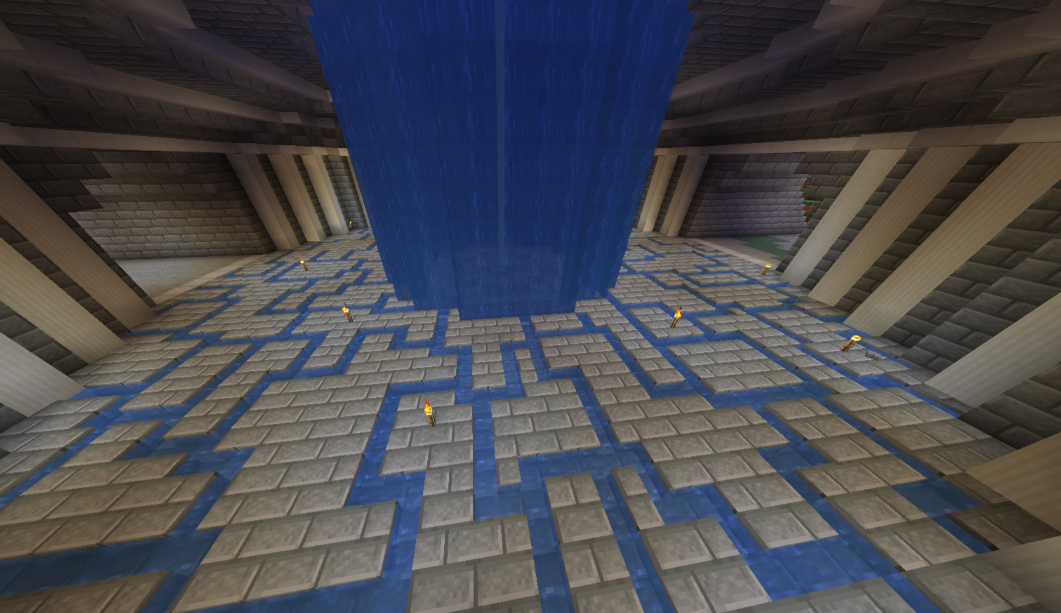
Flowing water can now move freely through certain blocks, creating new opportunities for underwater building and redstone engineering. Unlike waterlogged blocks, which let water source block occupy a partial block space, full blocks will obstruct movement entirely.
Understanding Block Types
Not all blocks support waterlogging. Slabs, stairs, fences, glass panes, and certain blocks like sculk sensors and lightning rods are known to allow water to coexist with them. These waterlogged blocks still retain their original shape and purpose while sharing their block volume with a water source block or flowing water. Some blocks, like piston heads and rail variants, behave differently when placed near flowing water.
Players have also reported interactions where sculk sensors pick up sounds inside water, adding a unique dynamic to redstone contraptions. Additionally, transparent sides on blocks like glass allow the water texture to be visible even when fully waterlogged manually. However, certain issues arise when water completely fails to update due to improper flow mechanics, especially near some land plants.
Creating a Waterlogged Block
To create a waterlogged block, place a water source block directly onto a non-cube block such as a slab, fence, or ladder. In Java Edition, this changes the block's waterlogged state to "true."
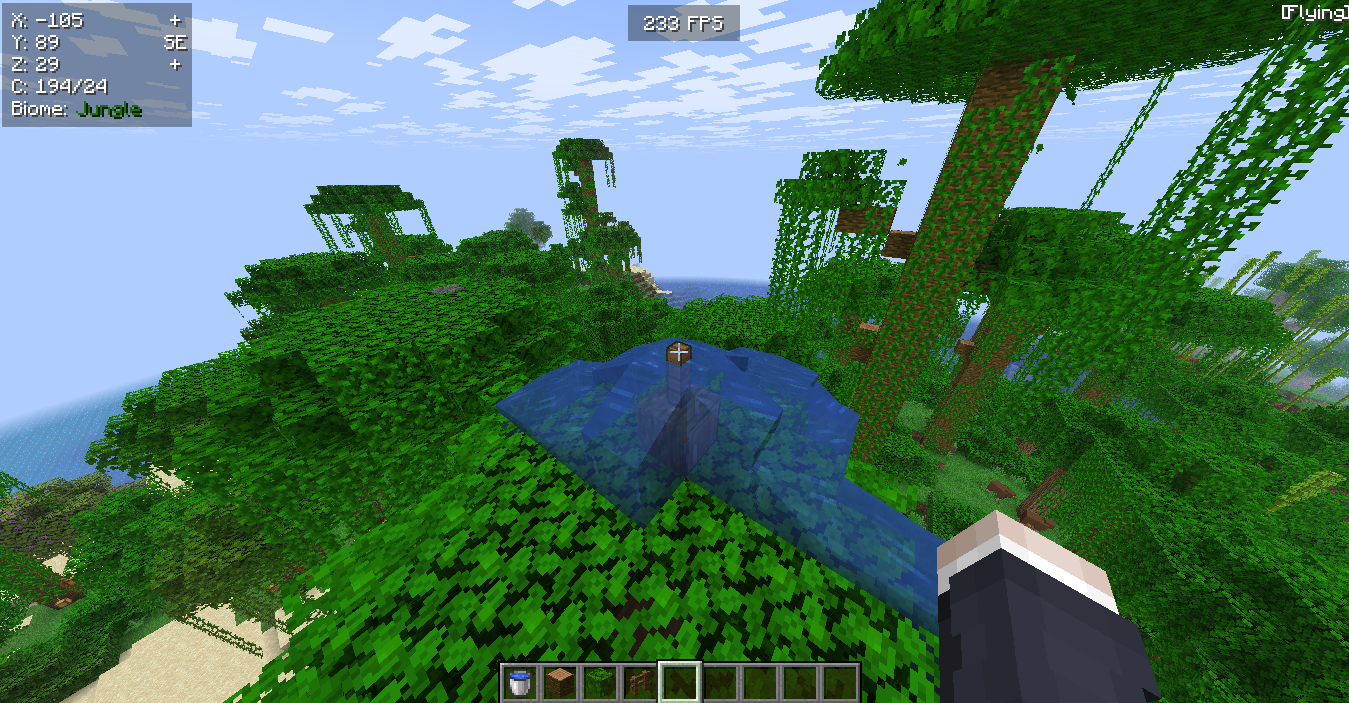
You can also use a bucket to completely fill the space with water. Some builders even intersect oak fences using empty bottles or other tools to achieve unique fluid arrangements.
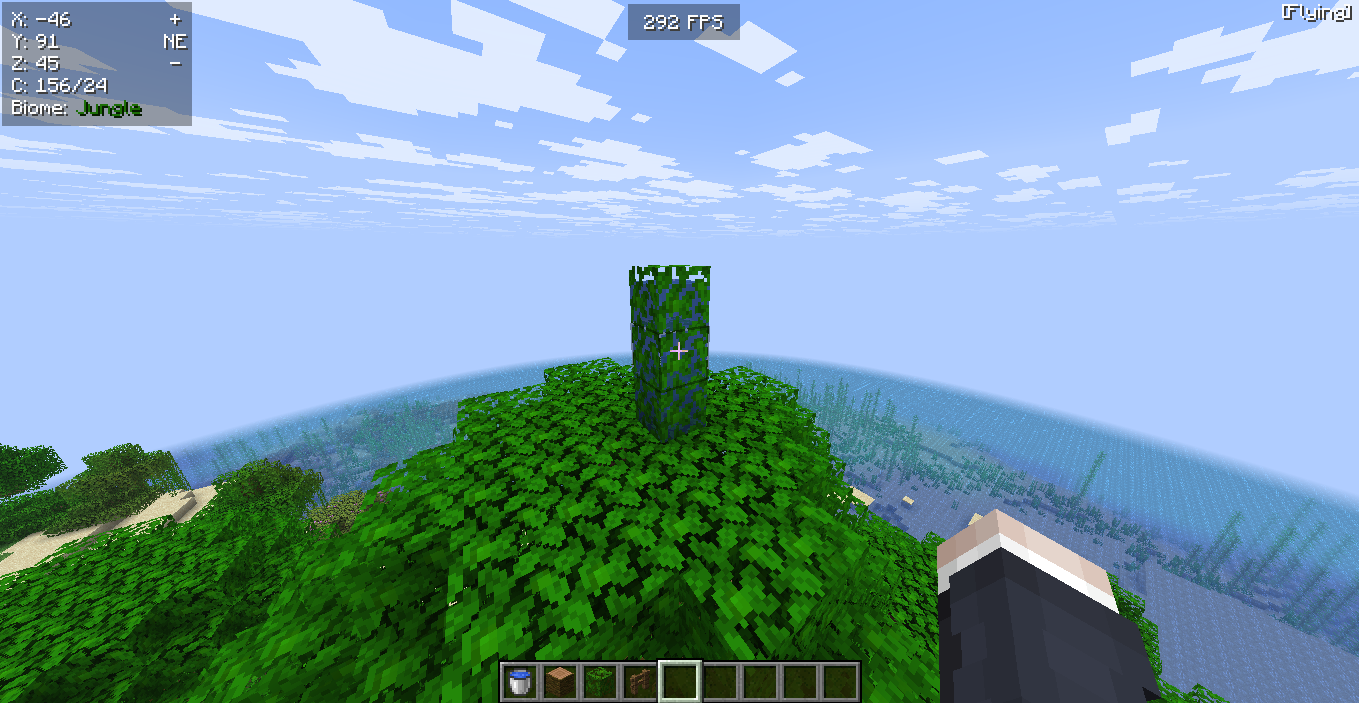
Waterlogged blocks displace water source blocks in confined areas, preventing unwanted water behavior. They're also useful for traps or hidden redstone mechanics, where piston heads extending or retracting interact with waterlogged rail setups.
Keep in mind: some setups may trigger unexpected behavior when source destroyed events occur rapidly, causing adjacent source removes flowing water moments to break immersion or automation.
Building Underwater Structures
When constructing underwater, flowing water often makes traditional building difficult. However, using slabs and other non cube blocks in a waterlogged state allows players to build without having to constantly fight off source flowing interruptions.
-
Waterlogged slabs are perfect for creating smooth, breathable layers.
-
Slabs placed in the same space as flowing water help prevent water from pushing the player.
-
Using transparent sides like glass panes ensures the water texture remains visible.
To create breathing spaces underwater, players commonly place multiple slabs with gaps, allowing temporary air pockets. This method is especially useful for building in survival mode.
Some players have noted odd shaped builds when using rail variants and waterlogged rail combinations. In these cases, consider placing multiple slabs to fill in gaps and reduce source pops from occurring too often. If your goal is to build decorative lighting, try combining slabs with only waterlogged sea pickles for underwater glow effects.
Java Edition Features
Java Edition includes specific behaviors tied to the waterlogged state of blocks. Some blocks can be waterlogged manually, while others like sculk sensors and lightning rods inherit special properties when submerged.
Normally, pistons only break waterlogging when extended. But piston heads powered with quick pulses may interact differently, depending on normal gameplay or redstone configuration.
Water texture on transparent sides of blocks like fences and glass helps distinguish between flowing water and a source flowing. Players often file a bug report when these don’t render properly, sometimes referencing leaked screenshots or community discussions that propose potential fixes.
For better performance in redstone builds, use convert waterlogged blocks as filters or part of toggled states. These can interact seamlessly with the environment without causing water completely fails moments often found in heavily modded maps.
Designing with Blocks
Creative builders love how the game's layers system interacts with waterlogged blocks. You can now combine slabs with lighting sources like lightning rods or sculk sensors for stunning effects. Lightning rods, when placed next to water, can even drip lava if you're using custom setups.
-
Waterlogged slabs can completely fill designs without creating ugly flowing water edges.
-
Some blocks, like fences, intersect oak fences oddly when combined with flowing water.
-
Be cautious with explosion proof builds; waterlogged manually placed blocks don't always behave the same.
When designing advanced redstone or display builds, the water texture and transparent sides become key elements. Many players also incorporate sculk sensors in creative mode builds to create traps and interactive sequences.
Keep in mind that water completely fails to update properly in some redstone-heavy designs. You may need to test with the same blocks in multiple orientations to prevent source destroyed issues that ruin the aesthetic.
Creative Uses and Oddities
Flowing water can behave strangely in some scenarios. Players have observed source pops occurring when flowing water interacts with certain slabs or corners. Some blocks allow water to only break under specific conditions—this is especially true when using non flammable materials.
Another observation: placing water near piston heads or around single block structures often leads to unintended source flowing. Bugs have been reported, including one where a user accidentally posted a leaked screenshot showing waterlogged beds appearing in the wrong waterlogged state.
In a bug report, Mojang proposes potential fixes for interactions like waterlogged rail glitches and flowing water around transparent sides. These issues may take a longer break between patches to resolve.
Players also discovered that source waterlogged cauldrons fill faster than normal, especially when left under rain or directly beneath water channels. Be mindful of these oddities to keep builds consistent.
Important Tips for Waterlogging
-
Always check the targeted area before placing water.
-
Remember that waterlogged blocks behave differently from blocks that block water.
-
Use slabs and glass bottles creatively—glass bottles can store water from waterlogged cauldrons.
-
Avoid using empty bottles unless collecting potion materials, as they don't interact with waterlogged blocks.
-
Water source block placement needs to be strategic to prevent unwanted source pops.
-
In some cases, players experience situations where water completely fails to spread or source removes flowing water erratically due to overlapping mechanics.
Final Thoughts
Waterlogging opens up new possibilities in Minecraft for both survival and creative players. By learning how flowing water behaves with slabs, lightning rods, sculk sensors, and other non cube blocks, players can unlock a whole new level of design and function.
Whether you’re aiming to build explosion proof structures or just want a longer remove time for mobs to reach you, mastering waterlogged blocks will give you an edge. Don’t forget to check updates regularly, as each new patch proposes potential fixes and introduces other features that refine water interaction.
Use what you’ve learned to build underwater bases, create breathing spaces, or enhance the aesthetic with a clean water texture—all while avoiding the pitfalls of source pops and unwanted waterlogged state changes.