How To Get A Debug Stick In Minecraft
Find out how to get the debug stick in Minecraft! Unlock this powerful tool to edit block states and customize builds in creative mode like a pro.

Shahrukh Sial is a Gaming Content Strategist at Sparked Host. He identifies his own strategic outlines through deep research to cover game guides, tips, and updates that help players improve their skills and enjoy a better gaming experience.
How To Get A Debug Stick In Minecraft
The debug stick is an editor stick used to modify block states in Minecraft. It looks visually identical to a normal stick but has an enchanted glint. This item is not available in Survival or Adventure Mode and is exclusive to Creative Mode with cheats enabled. It allows users to change block state keys and their valid values. The debug stick directly affects how blocks behave and appear. It is particularly useful when fine-tuning builds or using it as part of the operator utilities.
When Was The Debug Stick Added To Minecraft?
The debug stick was added in Minecraft Java Edition 1.13 as part of technical improvements and commands. It became available in the operator utilities tab and can be obtained using specific commands. Although not present in Minecraft Bedrock Edition by default, the debug stick remains a powerful tool in the Java Edition.
How to Spawn a Debug Stick in Minecraft
To obtain the debug stick, you need to be in C Mode with appropriate permissions and cheats enabled. The simplest way is to use the following command:
/give @p minecraft:debug_stick
This will add the item to your inventory. It may also appear in the operator items tab or the operator utilities tab, depending on the version of Minecraft Java Edition. Make sure you're using a world where commands are enabled.
How to Get the Debug Stick in Minecraft Bedrock Edition
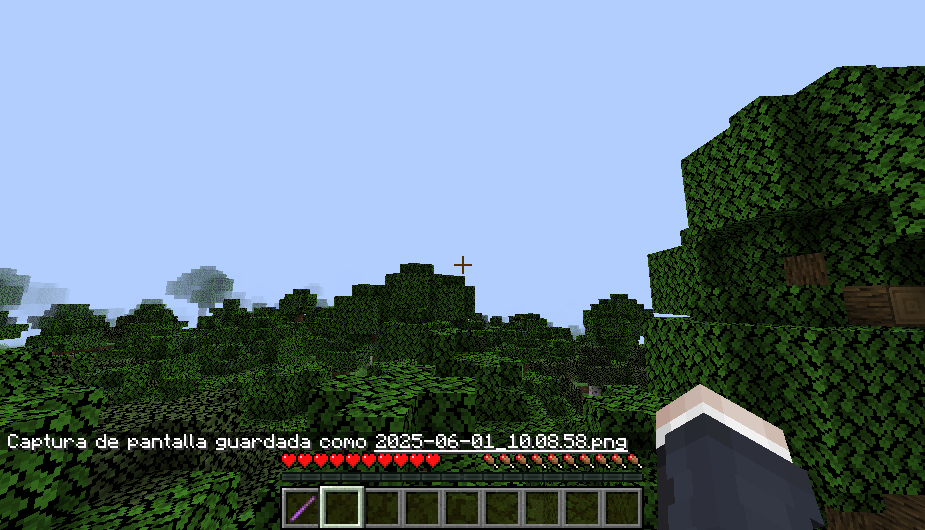
The debug stick is not available in Minecraft Bedrock Edition. Players often search for ways to obtain it, but it does not exist in the game files. There are no data values or block ID entries for it in Bedrock Edition. You may find addons or mods that attempt to simulate its function, but officially, the debug stick remains exclusive to Java Edition.
How to Use the Debug Stick in Minecraft
Once you have the debug stick, you can use it by targeting a block. Left-clicking selects a block state key like the facing block state key, and right-clicking changes its value. For example, you can change how a command block faces using the command block face state. Sneaking while using the stick cycles through block state keys or their values in reverse order. Be aware that if you use the debug stick directly on an interactive block without sneaking, it will perform the block’s default action instead of activating the debug stick.
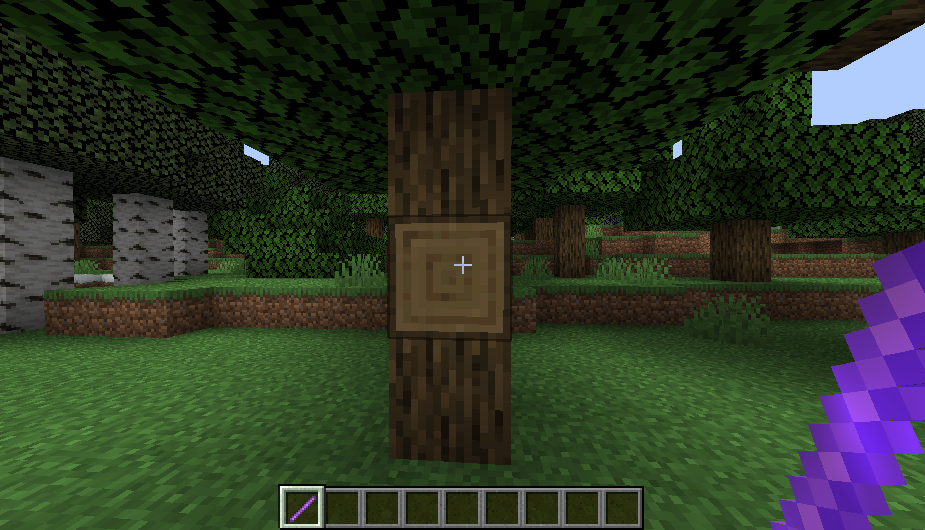
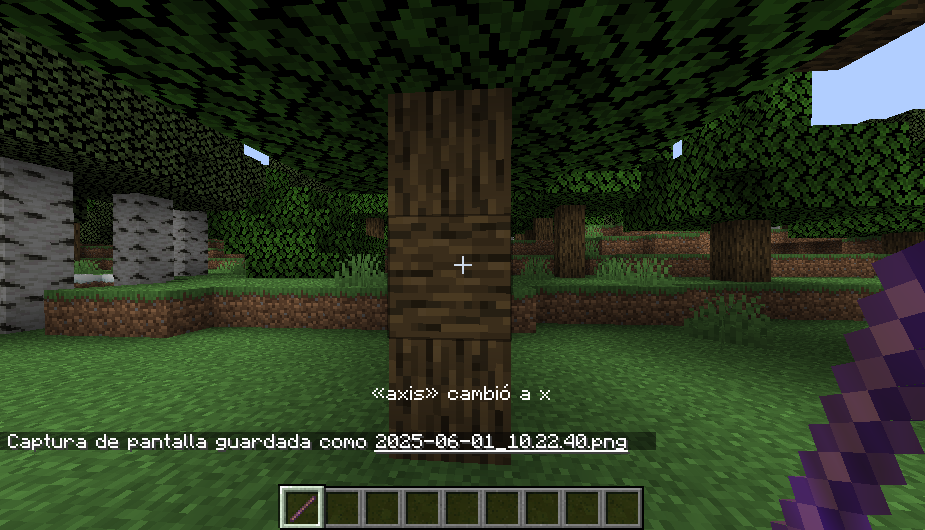
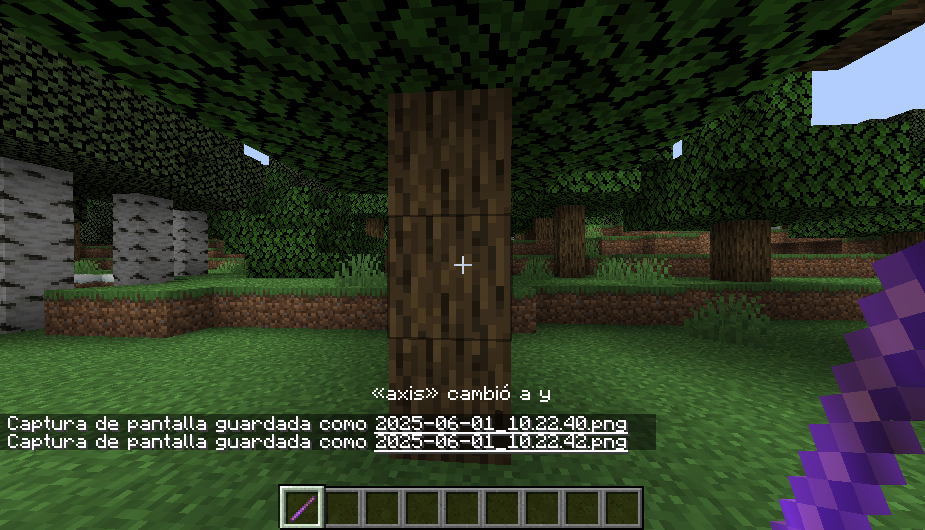
The controls menu does not offer customization for debug stick behavior, so knowing how to use it efficiently requires practice. It is especially useful for changing block ID appearances and visual adjustments. Players can also modify blocks with no visible GUI through block states.
Data Values Reference
The debug stick does not appear in standard block data values or block ID tables in Bedrock Edition. In Minecraft Java Edition, however, it holds its item ID: minecraft:debug_stick. While this ID is used in commands, the item itself is limited to C Mode and cannot be naturally acquired in Survival or Adventure Modes. Its presence is intended solely for operators and advanced debugging.
Creative Mode Access
In C Mode, the debug stick becomes available via command or the operator items tab. Players with appropriate permissions can use it to manipulate block state keys. This utility is unavailable in other game modes. C Mode also bypasses normal restrictions, letting the debug stick interact with blocks in unique ways that regular items cannot.
Conclusion
The debug stick is a powerful editor stick reserved for C Mode users in Minecraft Java Edition. It helps manipulate block states, including block state keys and their valid values. Although not available in Bedrock Edition or Adventure Mode, it remains an essential tool for creative builders. Whether you're editing with precision or watching Alex wielding debug sticks, this tool is among the most useful for operators.