How to Find Meadows Without Chunkbase in Minecraft
This guide is for Minecraft players who want to find Meadows without relying on external sites, whether you play survival, prefer exploring naturally, or are comfortable using commands and simple map tools.

Shahrukh Sial is a Gaming Content Strategist at Sparked Host. He identifies his own strategic outlines through deep research to cover game guides, tips, and updates that help players improve their skills and enjoy a better gaming experience.
The most reliable way to find a Meadow biome without using Chunkbase is by using the in-game /locate biome command, or by traveling through the Nether to cover long distances fast.
This guide is for Minecraft players who want to find Meadows without relying on external sites, whether you play survival, prefer exploring naturally, or are comfortable using commands and simple map tools. It covers the main in-game options, including /locate biome, Nether travel, Elytra, and even deleting chunks to generate new biomes, plus alternatives like third-party mapping tools and mods such as Nature’s Compass.
If Chunkbase is down, you want to stay in-game, or you just do not want to depend on a website to locate flower-filled hills, these methods give you practical ways to find Meadows efficiently.
Prepare Your World
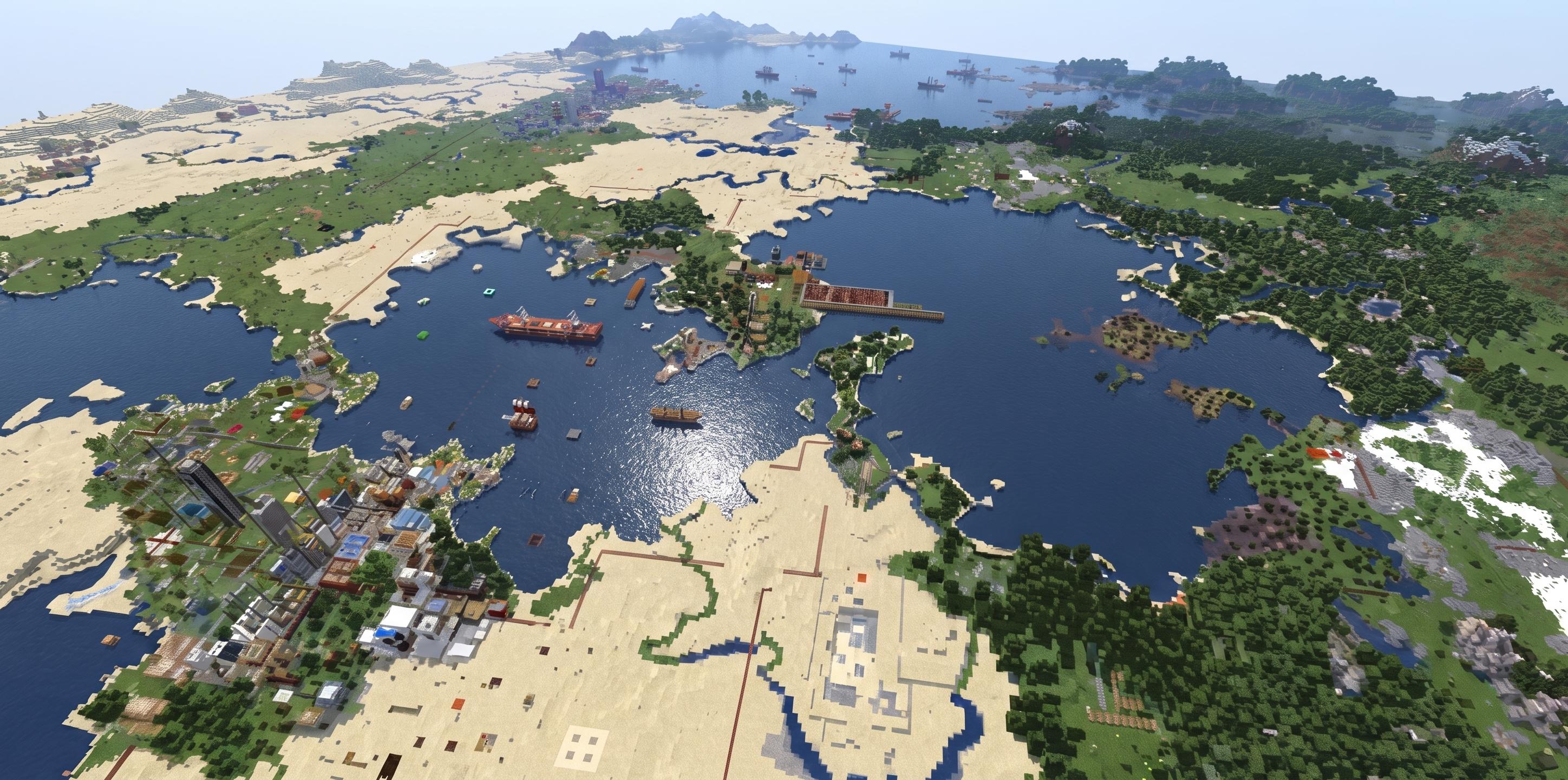
Before you go out to search, you must protect your game files and change your settings so you can travel long distances safely.
Back Up Your World Save
Traveling far forces the game to load many new areas, which can sometimes break your save file. Find your .minecraft/saves folder, copy your world folder, and paste it into a safe folder as a spare copy.
Turn On Cheats or Get Admin Access
To use the built-in search commands, cheats must be active. In a single-player game, open the game menu, click Open to LAN, change Allow Cheats: ON, and start the LAN world. On a server, type /op YourPlayerName into the server console box.
Get the World Seed
Open your chat box, type /seed, and press Enter, though the exact setup changes depending on whether you are in single-player or on a server. If you are unsure, follow the usual course for your version to obtain the world seed. The game will show a code with numbers. Write this down because you will need it if you use local map tools later.
Using Locate Commands to Locate Biomes
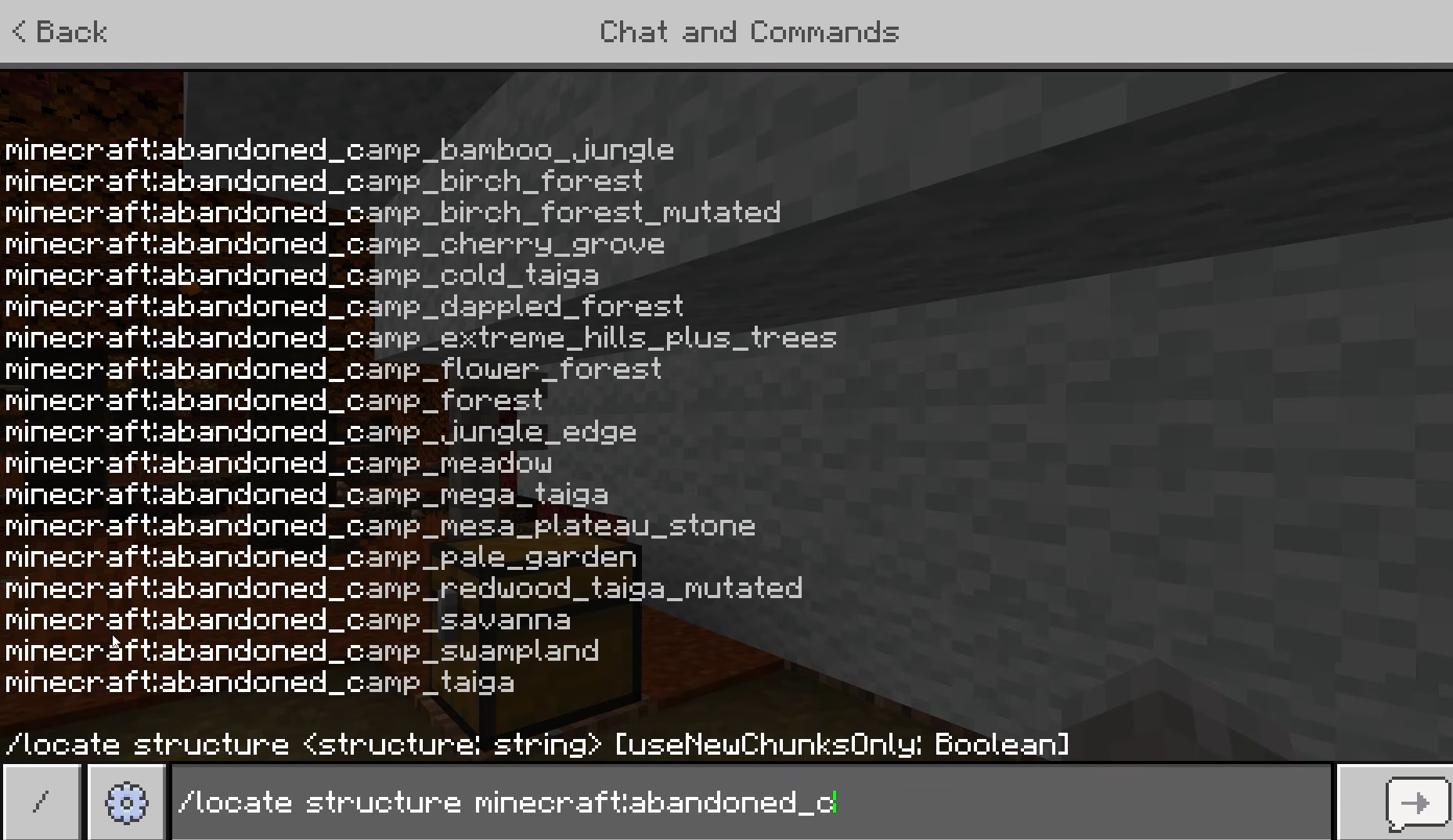
The built-in game commands are one of the most common ways to reach any area without using web browsers.
-
Run the Command: In minecraft java, open your chat box and type exactly /locate biome minecraft:meadow; this is also one of the common ways to find a desired biome. For examples, newer versions can also show other available biomes with the same command format.
-
Read the Numbers: The game will show a green text string with coordinates, written like [X, ~, Z]. The ~ symbol means the height, which is just the ground level, and the result is displayed right in chat.
-
Teleport or Travel: If your cheats are on, you can click directly on the green numbers to auto-fill the move command, or type /tp @s X Y Z yourself; it is one of the most common ways to jump straight to the biome.
-
Save the Numbers: If you are playing normal survival and want to walk there, press F3 or open your chat history to take a picture of the numbers so you do not get lost. You can also run /seed to get the world seed for later use in map tools; if you are not sure where that is needed, of course, tools such as Chunkbase Biome Finder require either the world seed or the save file.
Locate Commands and Older Versions
The locate command is one of the most common ways to find a desired biome in Minecraft Java without external sites. The exact command /locate biome works in all new versions of Minecraft. If you are playing on older versions, the command is /locate Biome with a capital B. For very old versions where you cannot search for biomes directly, you may need to switch versions, since other methods are limited and the command system must be able to read the map parts correctly.
After you run it, the biome coordinates will be displayed in chat, and the same approach also works for other available biomes. Not all biomes may be accessible for teleportation in every setup, so some players may need to travel manually instead.
Finding New Biomes by Travel
If you prefer to play normal survival without commands, you can plan your travel to find a Meadow by just walking.
The Nether Highway Plan
Walking one block in the Nether is the same as walking eight blocks in the normal world. Build a portal system, pick one direction like North, and run 1,000 blocks in the Nether. Then, build an exit portal to jump 8,000 blocks away instantly.
Flying with Elytra
Put on an Elytra wing with the Unbreaking III enchantment and pack two stacks of Firework Rockets to discover new biomes quickly over long distances. Fly high and steady at height 150 over cold mountain hills, scanning mountain silhouettes first before dropping lower to inspect bright green hills with lots of flowers near rocky mountain tops.
Boat or Horse Travel
For early games, craft a wood boat to travel down wide rivers that cut through the land. If you are on dry land, use a fast horse to check the edges of different areas, reading the terrain to find the right environment and keeping your eyes on high hills where Meadows naturally spawn, while also watching for bright blue cornflowers as a visual clue near likely meadow areas.
Delete Chunks to Force New Biomes
If your world was made in an older version of Minecraft, the old land blocks might be locked. You can force the game to make new Meadow biomes nearby by deleting parts of the map you have not built on.
Use simple external map tools like MCA Selector to safely highlight and delete unneeded chunks from your save file. Always try this on a copy of your world first so you do not accidentally destroy your own base.
Third Party Tools and Biome Finder Alternatives
If the Chunkbase website is down or not working, several other web maps and offline programs can read your world files to show you the map.
-
Other Web Maps: Sites like Minecraft Seed Map serve the same purpose and, like Chunkbase, show a complete map with a coordinate grid after reading world data.
-
Load a World Save: Open the alternative map site, click "Upload Level.dat", and find the level.dat file inside your world folder. The tool will instantly read your seed and version for searching specific biomes.
-
Seed-Only Mapping: If you do not have the save files, just type your world seed numbers into the text box on the website and select your current game version to generate the map view.
-
Offline Map Tools: For users who want privacy or have no internet, download standalone Java tools like Amidst. This software runs on your computer screen to show full maps fast without the internet.
Choosing A Biome Finder Replacement
When picking a new map tool for searching the world map and locating biome positions, uploading your save file is better than just typing the seed numbers because tools like Chunkbase typically show a complete map with a coordinate grid and your exact player position. Always make sure you select the right Minecraft version in the drop-down menu.
Selecting the wrong version will show a completely wrong map, while web map and save-loading tools generate a full biome map instead of only a single waypoint. If you want an alternative method, the Nature's Compass mod can help you track down the perfect biome with or without cheats. Always check the numbers in a creative copy of your world before walking a long way in survival.
Using Mods and In-Game Items
For games with mods installed, the best replacement depends on whether you want the exact player position or just an alternative method for locating the perfect biome.
The best mod for this job is called Nature's Compass. It gives you a craftable compass that searches for any biome in your game, though this in-game feature is focused on biome location rather than precise coordinates.
| Log | Seed | Log | ||
|---|---|---|---|---|
| Seed | Compass | Seed | = | Nature's Campus |
| Log | Seed | Log | ||
| To install it, download the correct .jar file from sites like CurseForge and use the version made for Forge or Fabric, then drop it into your game's mods folder. Inside the game, right-click the item, search for "Meadow", and click "Start Search". The compass needle will point toward the correct direction and show the exact distance on your screen. |
Troubleshooting And Version Mismatches
If your map tool says there is a Meadow at certain numbers, but you find an ocean or a desert when you arrive, your game versions do not match. This happens when your world was made in an older update, but your map tool is using new rules.
To fix this, look at your world select screen to find the original version number, and change your map tool to match that exact update. When asking for help online, always share your full seed numbers and your exact game version in the comments, and report any repeat issue clearly.
Step-By-Step Plan to Locate a Meadow Without Chunkbase
-
Get Ready: Craft two sets of iron tools, bring a stack of food, take 32 torches, and carry a normal Compass or a Map.
-
Start Nether Walking: Build a Nether portal at your base, walk exactly 500 blocks in a straight line inside the Nether, and build a new exit portal.
-
Check the Area: Step through the new portal into the normal world, look for high stone hills, and type /locate biome minecraft:meadow to get your final numbers.
Tip: if the result seems off, double-check that your world version matches the seed, and if you ask for help online, leave a comment with the full seed and version and report persistent tool errors if the mismatch keeps happening.
Conclusion
Finding a Meadow biome does not depend on just one website. By using built-in game shortcuts like the /locate command, traveling fast through the Nether, or loading offline map apps like Amidst, you can find green mountain land easily. Pick the method you like best and start your search now.