Valheim Patch 0.221.12 - Full Technical Breakdown and Fixes
The development team released a vital update on February 19, 2026, specifically aimed at resolving stability issues and refining controls that were impacted by previous builds.

Shahrukh Sial is a Gaming Content Strategist at Sparked Host. He identifies his own strategic outlines through deep research to cover game guides, tips, and updates that help players improve their skills and enjoy a better gaming experience.
The development team released a vital update on February 19, 2026, specifically aimed at resolving stability issues and refining controls that were impacted by previous builds. While the patch focuses on technical polish rather than new content, it is an essential download for survivors currently braving the Ashlands.
A critical note for the community involves the vulkan issue. The team has identified that playing with Vulkan might currently lead to instability or crashes. While a permanent fix is in development, survivors can improve the experience by disabling FPS limiters in external software like the Nvidia Control Panel. This should help create a hopefully smoother experience for those who prefer Vulkan over other options.
Detailed Patch Notes
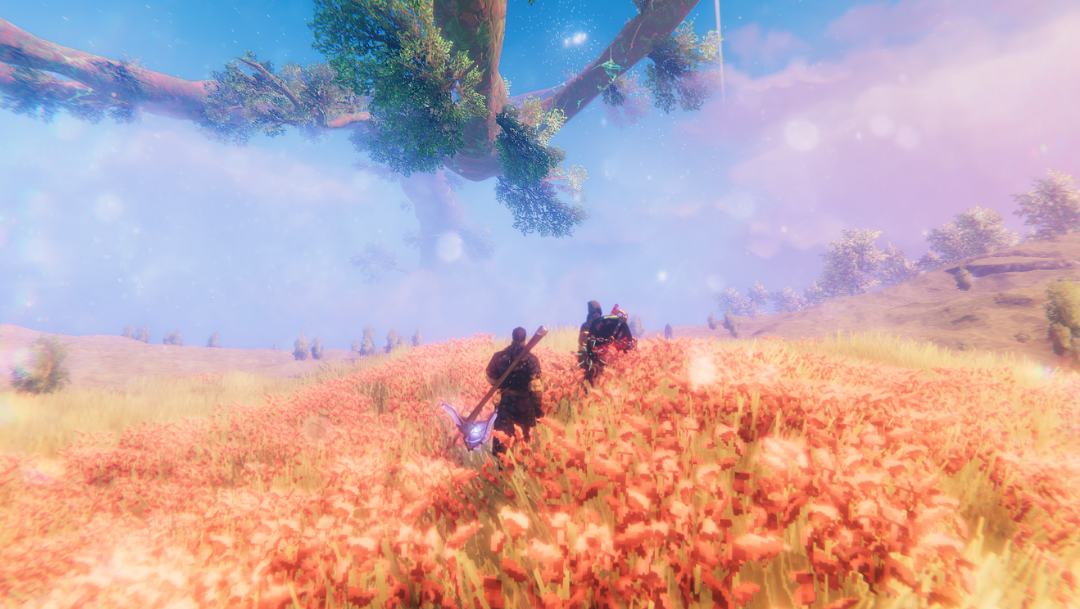
Every fix in this update contributes to a more seamless experience in the tenth realm. Below is the full list of changes and technical adjustments included in the 0.221.12 build. This patch follows the 0.221.10 update from earlier in February 2026, which celebrated five years of Valheim and introduced various improvements.
User Interface and Controls
-
Radial Menu Improvement: A release to select mechanic has been added. If you continue holding down the radial menu button or key after the radial menu appears, you can select an emote simply by releasing the button or key while hovering over the desired option. This is a great way to use new emotes quickly during a battle.
-
Crouch Action Reversion: The team fixed a bug where crouching had unintentionally changed to a press-and-hold action for gamepad users. It has been restored to a single press toggle.
-
UX Menu Polish: Minor ux issues within the graphics settings menu have been cleaned up for better navigation.
-
Markers: Issues regarding boss and death markers not appearing correctly on the map for some users have been refined to ensure you can always find your death markers after a difficult fight.
Graphics and System Performance
-
Windowed Mode Resolution: The inconsistent and annoying resolution setting behavior that occurred when changing settings while in windowed mode has been resolved.
-
Vulkan Startup Crash: A specific fixed crash on startup affecting Windows users utilizing the Vulkan API under specific conditions has been addressed.
-
Settings Application: An issue where the game was sometimes not able to apply graphics settings properly the first time after updating from an earlier version has been fixed.
-
Memory and Stability: Optimization of memory usage continues, especially for those playing on the Steam Deck or console versions.
Audio and Biome Stability
- Ashlands Audio Fix: The persistent fixed audio stutters and crackling that some players encountered while exploring the Ashlands biome have been eliminated. This ensures the sound performance remains normal and matches the high quality of the artwork depicting troll encounters or the sound of early axes hitting wood.
Technical Update for Modders
The update also includes a specific fix for the modding community to ensure compatibility with the latest game systems and prevent an undefined flag error.
- Null Reference Exception: A fix has been implemented for a null reference exception that started happening in version 0.221.10. This occurred when mods directly or indirectly accessed preferences during the startup phase, for example, via the localization system.
Final Tips for Players
-
Vulkan Stability: If instability persists, consider switching to the default graphics API. Rest assured that the team is working to fix crash issues for good.
-
Server Management: For server host-related issues, ensure your log spam is monitored, as outdated mods can still cause two cases of disconnects when trying to join a game.
-
Build Integrity: When using a new build piece or placing build pieces with complex snap points, always check your pause menu for stability readouts.
-
Xbox and Suspend: Following the logic of patch 0.220.4, remember that entering suspend mode while in online multiplayer can still cause a break in the connection. Avoid using suspend mode during active sessions.
-
Combat Gear: Whether you are using wooden weapons or a full armour set, remember to hide boss health bars if you want a more immersive cinematic experience.
-
Seasonal Items: Items like the jack o lantern remain in the code, but ensure your extensions and links are updated to see them in the crafting menu.
Conclusion
This patch ensures that the technical foundation of the game remains strong as players push further into late-game content. By addressing specific startup crashes and restoring the original crouch mechanics, the developers have smoothed out the frustrations introduced in recent versions. Whether you are dealing with a troll in a forest or sailing to find early axes materials, these bug fixes make the journey more reliable.
For a Viking clan to truly thrive without technical interruptions, a stable environment is required. For the most reliable experience in the tenth realm, Sparkedhost Valheim Hosting offers high-performance game servers capable of handling the heavy demands of the Ashlands and various events. Utilizing a dedicated server ensures that the only chaos survivors face is the kind found on the battlefield.